
Why the Shop Floor Ignores Your ERP Schedule (and How to Fix It)
 User Solutions Team
Looking for the full finite vs infinite comparison?
The complete side-by-side, with a 12-row table, a load vs sequence diagram and one job scheduled both ways, now lives in one place: Finite vs Infinite Capacity Planning and Scheduling. This article covers one symptom of the difference: a schedule the shop floor will not follow.
When supervisors rewrite the ERP schedule every morning, the problem is rarely discipline. It is capacity. Most ERP schedules place each operation on a date calculated from lead time offsets and never check whether the machine is free, so the printed plan asks for more hours than the floor has. The shop floor ignores it because following it is impossible.
At User Solutions, finite capacity scheduling has been the foundation of our production scheduling software for over 35 years. This article shows how to recognize the problem, why the ERP produces it, and what fixes it without replacing the ERP.
The Symptoms
You probably have this problem if three or more of these are true:
- Supervisors hold a daily meeting to decide what actually runs, and the answer differs from the ERP.
- Different shifts resolve the same conflict differently.
- Promised dates slip on the same few machines, week after week.
- Planners keep a private spreadsheet that is "the real schedule."
- People say "we have scheduling software but nobody uses it."
The Diagnosis: The ERP Schedules at Infinite Capacity
The ERP's MRP module works backward from the due date and gives each operation a start date based on a standard lead time. It does not check whether the machine is already occupied at that time. That is infinite capacity planning, and it is the right tool for the material question it was built for.
For the schedule, it is the wrong tool. A single machine can end up with 40 hours of work assigned to an 8-hour day. On paper, every job has a start time and a due date. In reality, most of those jobs cannot run when scheduled because the resource is already in use.
Where the same problem hides:
- MRP systems - virtually all ERP-based MRP modules use infinite capacity. They calculate material requirements using lead time offsets, not actual machine availability.
- Rough-cut capacity planning (RCCP) - a high-level planning tool that shows aggregate capacity needs by period, useful for spotting overloaded weeks or months, but not a schedule.
- Spreadsheet scheduling - Excel-based schedules are inherently infinite capacity because there is no mechanism to prevent double-booking a machine.
A Five-Minute Test
Pick your busiest work center and pull next week's planned hours from the ERP by day. Suppose it shows:
| Day | Planned hours | Available hours | Load |
|---|---|---|---|
| Monday | 9 | 8 | 113% |
| Tuesday | 14 | 8 | 175% |
| Wednesday | 6 | 8 | 75% |
| Thursday | 11 | 8 | 138% |
| Friday | 4 | 8 | 50% |
| Week | 44 | 40 | 110% |
The week is only 10 percent over (44 / 40 = 110 percent), which sounds manageable. But Tuesday asks for 14 hours on an 8-hour machine, so 6 hours of Tuesday's work cannot happen Tuesday no matter how hard anyone works. Somebody has to choose which jobs slip, and because the ERP never made that choice, the floor makes it. That is the moment the official schedule and the real one split.
What Happens Next
The fundamental flaw is that these schedules cannot be executed as-is. Someone - usually a shop floor supervisor - must interpret the schedule, resolve conflicts, and create the actual run sequence. This means:
- The official schedule and the actual execution diverge immediately
- Different supervisors may resolve conflicts differently across shifts
- Management loses visibility into what is actually happening
- On-time delivery predictions become unreliable
- The scheduling system loses credibility, and people stop using it
The Fix: A Finite Capacity Layer on Top of the ERP
Finite capacity scheduling respects a fundamental physical reality: a machine can only run one job at a time. It schedules operations sequentially on each resource, placing each job in the next available time slot rather than stacking jobs on top of each other.
How finite capacity scheduling works:
- The scheduling engine examines each job's routing and required resources
- For each operation, it finds the next available time slot on the required machine where the machine is not already occupied
- It also checks secondary constraints - operator availability, tooling, material, etc.
- It places the operation in the first feasible time slot
- That time slot is now "consumed" - no other job can be assigned there
Applied to the test above, the finite engine carries each day's excess into the next open hours. Monday's extra hour starts Tuesday, which leaves 7 hours of Tuesday work for Wednesday, and the queue keeps rolling until the week's last 4 hours (44 planned minus 40 available) land on the following Monday. The jobs that move get new, honest dates, and the planner sees on Monday which customer needs a call. The schedule can be published directly to the shop floor with confidence that it is achievable.
The typical flow is: use infinite capacity for rough planning, then use finite capacity for detailed scheduling. Your ERP handles the first part. A dedicated scheduling tool like RMDB or EDGEBIC (RMDB 2.0) by User Solutions handles the second, and the ERP stays in place.
Why People Start Following the Schedule Again
Realistic delivery promises. When your schedule reflects actual capacity, the delivery dates it generates are achievable. You can quote customers with confidence and track on-time performance against a meaningful baseline. See our guide on how scheduling improves on-time delivery.
Visible bottlenecks. Finite capacity scheduling instantly reveals which resources are overloaded. You can see that your CNC lathe is booked solid for three weeks while the drill press has open capacity. This visibility drives better bottleneck management.
Proactive problem-solving. Instead of discovering on Monday that you cannot meet Friday's delivery, finite capacity scheduling shows you the conflict weeks in advance. You can authorize overtime, outsource, or negotiate the due date before it becomes a crisis.
Operator confidence. When the schedule is realistic, operators trust it. They follow the sequence, report completions on time, and flag problems early. This positive cycle makes the entire scheduling process more effective.
What You Need to Make the Switch
1. Accurate Resource Definitions
Finite capacity scheduling needs to know your resources: what machines you have, how many hours per day they are available, shift patterns, and planned maintenance windows. This data is the foundation.
2. Accurate Routings
Run times, setup times, and operation sequences need to be reasonably close to reality. They do not need to be perfect - 80% accuracy is enough to start. You can refine over time as operators report actual times.
3. The Right Software
You need scheduling software that performs true finite capacity scheduling. Not all tools that claim finite capacity actually implement it rigorously. RMDB from User Solutions has been built from the ground up around finite capacity principles, handling multi-constraint scheduling across machines, labor, tooling, and materials simultaneously. EDGEBIC by User Solutions carries that engine forward and adds a schedule optimizer.
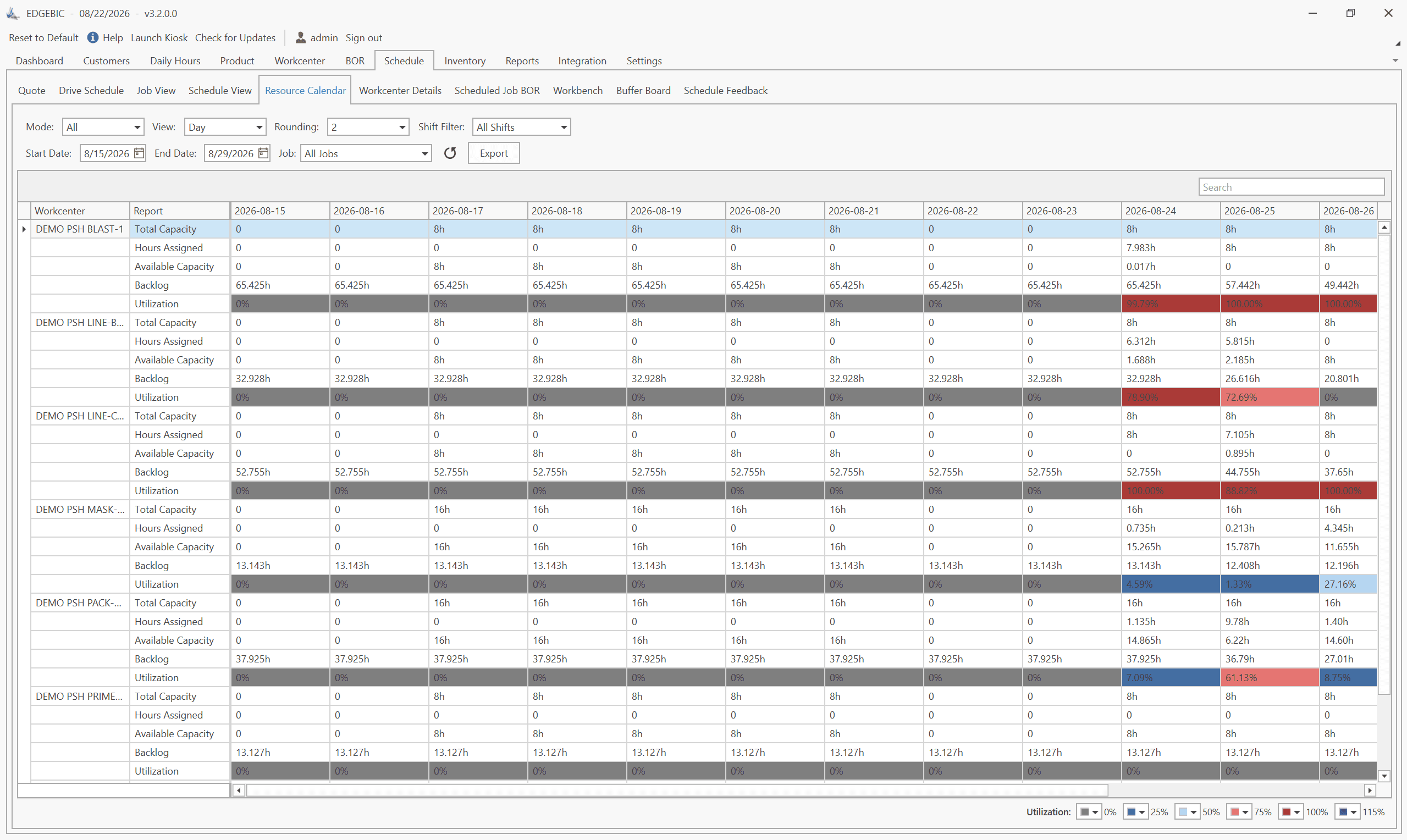
Paired with EDGEBI's Gantt chart visualization, the finite capacity schedule becomes immediately visual - you can see exactly where each job sits on each resource, spot gaps and overloads at a glance, and drag-and-drop reschedule when priorities change.
The Bottom Line
A schedule the shop floor ignores is almost always a schedule that asks for hours the floor does not have. Keep the ERP for what it does well, add a finite capacity layer for the sequence, and the daily "what really runs" meeting has nothing left to decide.
User Solutions offers a 5-day implementation that gets your finite capacity scheduling system live within a single business week. Contact us for a demo to see the difference finite capacity makes with your own data. For the full method comparison, read finite vs infinite capacity planning and scheduling.
Because the ERP schedule usually cannot be executed as printed. Most ERP scheduling runs through MRP lead time offsets, which place work on a date without checking whether the machine is free. When a machine shows 40 hours of work on an 8-hour day, supervisors have to decide what really runs, and once they do that every morning the official schedule stops being the real one.
Run a load report for your busiest work center for next week. If any day shows more hours than the machine has, or if several jobs share the same start time on one machine, the schedule was built without a capacity check. A second test: compare promised dates to actual ship dates for a month. A steady slip on the same few machines points to the same cause.
MRP modules in ERP systems were designed for material planning, not detailed shop floor scheduling. They calculate material needs based on lead time offsets without checking whether machines are actually available. This is a known limitation, which is why manufacturers layer finite capacity scheduling software on top of their ERP.
No. Keep the ERP for orders, inventory, purchasing and MRP, and add a finite capacity scheduler that reads the open work orders and routings and sends back realistic dates. The ERP stays the system of record; the scheduler becomes the system of sequence.
Yes. RMDB from User Solutions is built on finite capacity scheduling principles. It schedules every operation against real resource availability, respecting machine capacity, labor constraints, tooling requirements, and material availability to produce schedules that can actually be executed. EDGEBIC (RMDB 2.0) by User Solutions runs the same finite engine with an optimizer on top.
Expert Q&A: Deep Dive
Q: Our ERP generates a schedule but the shop floor ignores it. Is this a capacity problem?
A: Almost certainly yes. This is the classic symptom of infinite capacity scheduling. Your ERP's MRP module calculates when jobs should start based on lead time offsets, but it does not check whether the required machine is actually available at that time. The result is a schedule that shows 40 hours of work assigned to a machine that only has 8 hours available on a given day. Shop floor supervisors quickly learn that these schedules are fiction, so they create their own priority lists - which is exactly the chaos you are trying to eliminate. Layering finite capacity scheduling from RMDB or EDGEBIC by User Solutions on top of your ERP solves this problem by producing schedules that reflect actual machine availability.
Q: We have some resources that are effectively unlimited (like hand tools). Do we need to schedule those at finite capacity?
A: No. Good scheduling software lets you designate certain resources as infinite capacity while keeping your constrained resources (bottleneck machines, skilled operators, specialized tooling) at finite capacity. This hybrid approach gives you the best of both worlds - detailed scheduling where it matters, and simplified handling where it does not. In RMDB, you can set each resource's capacity model independently. Most shops have 3-5 truly constrained resources that need finite capacity treatment, while secondary resources can be handled more loosely.
Frequently Asked Questions
Ready to Transform Your Production Scheduling?
User Solutions has been helping manufacturers optimize their production schedules for over 35 years. One-time license, 5-day implementation.

User Solutions Team
Manufacturing Software Experts
User Solutions has been developing production planning and scheduling software for manufacturers since 1991. Our team combines 35+ years of manufacturing software expertise with deep industry knowledge to help factories optimize their operations.
Share this article
Related Articles
How to Create a Production Schedule in 7 Steps (Free Template)
How to create a production schedule step by step: horizon, real capacity, work orders, load check, sequence, dates, then publish. Worked example included.
Production Planning and Control (PPC): Functions and Examples
Production planning and control explained: routing, loading, scheduling, sequencing, dispatching and expediting, the types of scheduling, and worked examples.

Sequence-Dependent Setup Times: The Scheduling Problem That Costs You Capacity
When changeover time depends on what ran before, standard scheduling fails. Learn how setup matrices, sequence optimization, and APS software recover 10-25% of hidden capacity in paint lines, food, and coating operations.