
Shift Scheduling and Production Scheduling: The Link Most Planners Miss
 User Solutions Team
Every production scheduler knows how to schedule jobs across machines. Far fewer have thought carefully about how the number of shifts - and which machines run which shifts - is itself the most powerful capacity lever available to a manufacturer before any capital investment.
We've worked with manufacturers for 35+ years, and the shift configuration question comes up constantly in two situations: when a shop is starting to miss dates and can't figure out why given their "good" machine utilization numbers, and when a shop is considering a capital equipment purchase that a thoughtful shift analysis would make unnecessary. In both cases, the answer starts with understanding the math of available capacity and how it interacts with your production schedule.
For background on how finite capacity scheduling models available hours, see our complete guide to production scheduling software.
The Available Capacity Equation
Production scheduling is fundamentally a time allocation problem. Every job requires time. Every machine has time available. The schedule matches demand to supply. The shift configuration determines how much time supply exists.
The math is straightforward but consequential:
- 1 shift, 5 days: 8 hours/machine/day × 5 days = 40 hours/week
- 2 shifts, 5 days: 16 hours/machine/day × 5 days = 80 hours/week
- 3 shifts, 5 days: 24 hours/machine/day × 5 days = 120 hours/week
- 2 shifts + Saturday: 16 × 5 + 8 = 88 hours/week
- 3 shifts + weekend: 24 × 7 = 168 hours/week
These numbers seem obvious. What isn't obvious is how they interact with bottleneck utilization - which is the only utilization number that matters for production throughput.
If your bottleneck machine is running at 85% utilization on a single 8-hour shift, you have a constraint consuming 34 hours out of 40 available hours per week. Adding a second shift to that machine alone doubles its available capacity to 80 hours - immediately reducing utilization to 42.5% - without any capital expenditure. The production schedule can now commit to twice the throughput from that work center.
The Bottleneck Shift Strategy
The standard production scheduling textbook says to identify your bottleneck and protect it. What most planners don't operationalize is the corollary: your bottleneck should run more shifts than your non-bottlenecks.
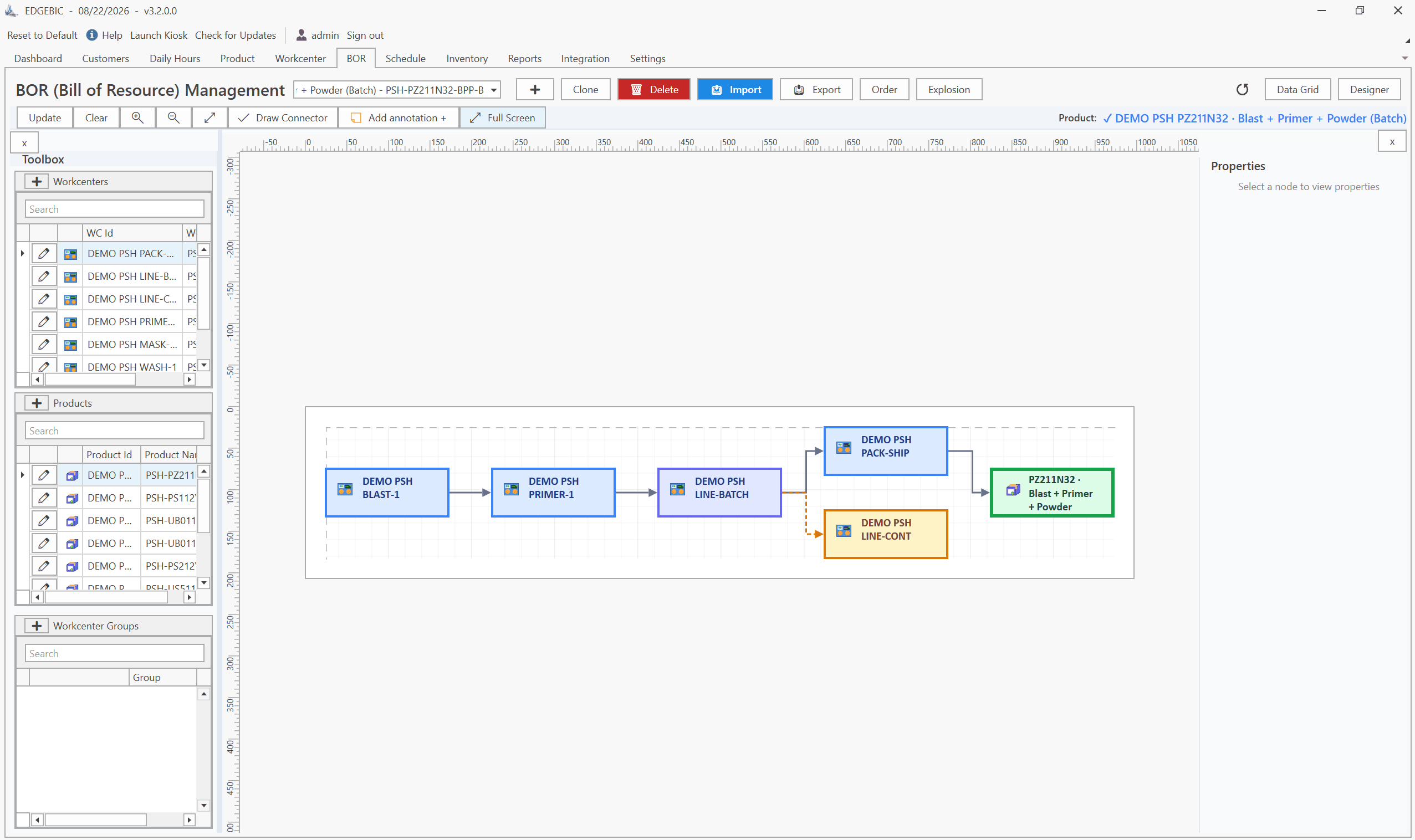
Consider a three-machine flow: Machine A → Machine B (bottleneck) → Machine C. Machine B is at 90% utilization on a single shift. Machines A and C are at 55% and 60% utilization respectively.
The standard response is to add a second shift across all three machines. This doubles your labor cost for all three workcenters. But the only machine that's actually constraining throughput is Machine B. Adding a second shift only to Machine B doubles its capacity from 40 to 80 hours per week, reducing its utilization to 45%. Machines A and C can now feed and receive from Machine B adequately on a single shift - assuming the parts buffer management between machines is handled correctly.
The result: you've resolved your capacity constraint by adding one shift to one machine, not three shifts to three machines. Labor cost increase is one-third of the across-the-board solution. This is the bottleneck shift strategy, and it's available to every manufacturer before any capital discussion begins.
How to Model Shift Configurations in Your Scheduling System
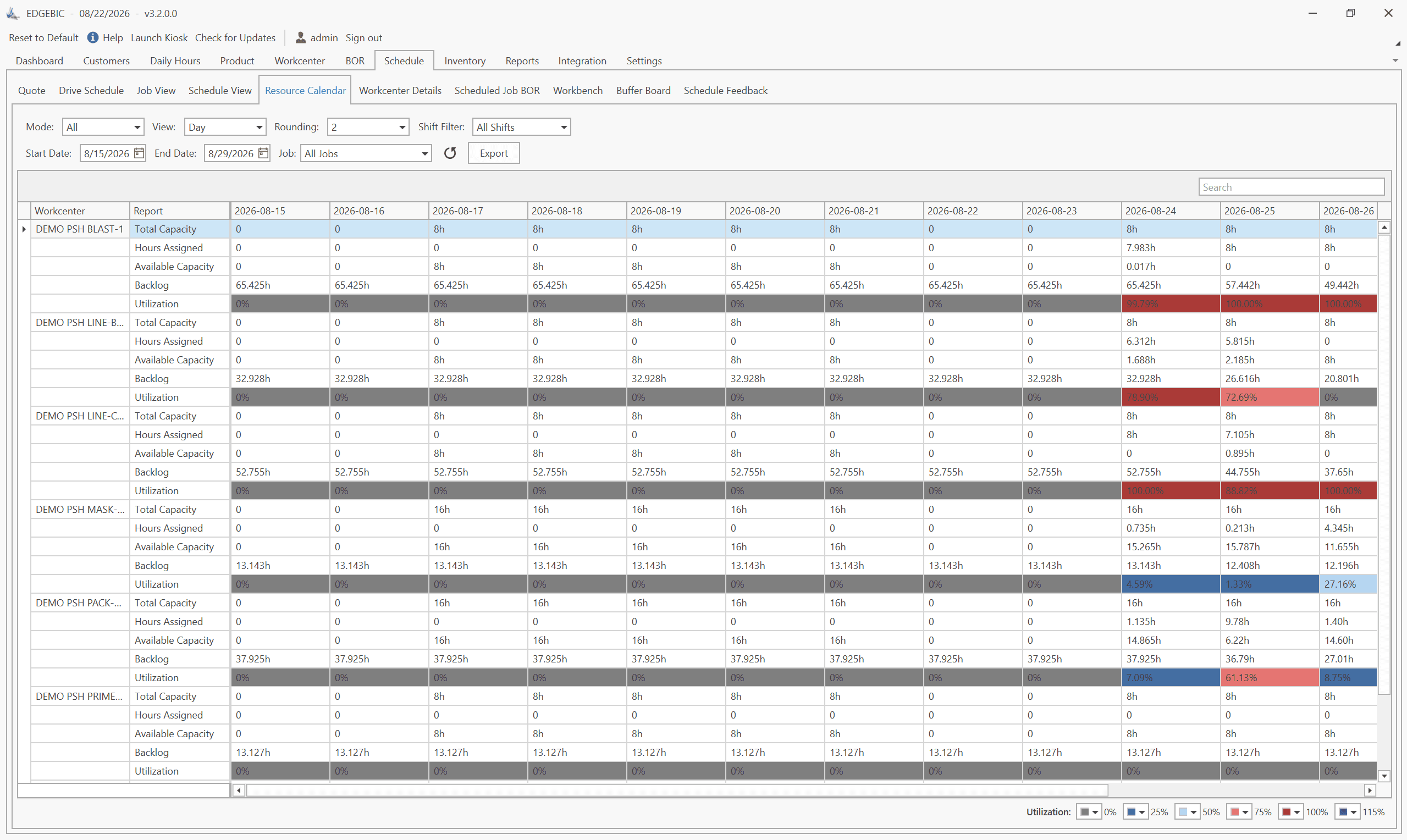
A finite capacity scheduling system like RMDB models shift configurations through work calendars - resource-level definitions of when each machine is available and for how many hours.
The correct implementation assigns separate work calendars to individual machines, not a single plant-wide calendar. This allows the scheduler to correctly model a configuration where:
- Machines A, C, D, E, F: single 8-hour shift calendar
- Machine B (bottleneck): 16-hour two-shift calendar
- Machine G (CMM / inspection): 4-hour inspection window calendar
When the scheduler generates a production plan, it respects each machine's individual calendar. It won't schedule Machine A for work that starts at midnight, but it will schedule Machine B for 11 PM start times on second shift. The resulting schedule accurately reflects what's actually achievable with your real shift configuration.
The common mistake is using a single plant-wide calendar and manually adjusting capacity percentages. This produces a usable approximation but loses the operational precision that makes finite capacity scheduling valuable - specifically, the ability to show a planner exactly which machine has available capacity on which shift on which day.
Overtime Scheduling in Finite Capacity
Overtime is a form of shift extension - and it must be modeled explicitly in the scheduling system to produce reliable schedule outputs.
The worst practice is treating overtime as an informal buffer. Planners assume "we'll work overtime if we need to" and schedule to standard shift capacity. When the schedule falls behind, overtime gets called - but because it wasn't modeled in the plan, it's uncoordinated. Jobs that need overtime weren't pre-identified. The right people aren't scheduled. The right jobs aren't staged.
The better practice is explicit overtime modeling with a threshold rule: when a machine's utilization in the standard schedule exceeds X% (typically 85%), the scheduler automatically proposes overtime hours on specific days for that machine. The production control manager reviews the proposal, approves the overtime authorization, and the schedule is updated to reflect the additional capacity.
This approach converts overtime from a reactive crisis response into a proactive capacity tool. It also gives finance and operations leadership visibility into the true labor cost of current demand levels - which is essential information for make-vs-buy and pricing decisions.
Weekend Scheduling: When to Pull the Lever
Weekend scheduling is the most expensive form of capacity extension and should be the last lever pulled before capital investment - but it's often the first lever pulled informally, without ever appearing in the official schedule.
The signs that weekend scheduling is happening unofficially: floor supervisors "volunteering" their crews for Saturday without formal scheduling entries, jobs that appear to magically advance between Friday afternoon and Monday morning in the ERP system, and weekend overtime charges that don't correlate to specific jobs in the scheduling system.
When weekend scheduling is informal, it's also inefficient. Jobs run on Saturday because "we need to catch up," not because a thoughtful capacity analysis identified that specific jobs, on specific machines, with specific material and operator availability, could be completed in a Saturday window. Setup efficiency suffers. Maintenance intrudes. Key operators don't show up.
The correct approach: if your capacity analysis shows that a workcenter needs more than 80 hours per week consistently, formally schedule the weekend shift. Enter it into the work calendar. Assign specific jobs to it. Track the utilization. Make it an accountable, planned event rather than an informal scramble.
24/7 Production: The Scheduling Complexity Jump
Moving to 24/7 production - three shifts, seven days - represents a qualitative change in scheduling complexity, not just a quantitative one. The scheduling challenges that are manageable in a 5-day operation become acute when you eliminate all natural downtime windows.
Maintenance scheduling is the most critical challenge. In a 2-shift operation, 8 hours per day of natural downtime is available for preventive maintenance. In a 3-shift, 7-day operation, there is no natural downtime. Every minute of maintenance time must be explicitly carved out of production time and scheduled as a downtime event. Shops that move to 24/7 without redesigning their maintenance schedule reliably see a spike in unplanned downtime 30-60 days after the transition, as PM deferrals catch up with them.
Labor scheduling complexity also increases non-linearly. Three shifts, seven days, with shift differentials, rotation policies, and overtime rules creates a labor scheduling problem that needs its own dedicated management. The production schedule and the labor schedule must be coordinated - a job scheduled for 2 AM Sunday needs confirmed operator availability, not just machine availability.
Material flow gaps appear when production runs around the clock but receiving, shipping, and support functions don't. Work-in-process accumulates at handoff points during shifts when support isn't available. The production schedule must account for these buffer points explicitly.
The Add-a-Shift vs. Add-Capacity Decision Framework
When your production schedule consistently shows that a workcenter can't meet demand, you face a binary decision: add shift hours to existing machines, or add machine capacity through purchase or subcontracting.
The financial comparison is stark:
A new CNC machining center might cost $300,000-$800,000 installed. It adds 40-120 hours per week of capacity depending on shift configuration.
Adding a second shift to an existing machining center costs $25-$50 per hour in labor premium (second-shift differential plus benefits loading), or $52,000-$104,000 per year for a full second shift - roughly 10-15% of new machine cost. It adds 40 hours per week.
At break-even, you'd add a second shift for 3-8 years before the accumulated labor premium equals the capital cost of a new machine. And the new machine requires the same labor to run it.
The analysis favors shift addition except when:
- The existing machine is already running three shifts and genuinely has no more capacity to give
- The machine is mechanically unreliable and adding hours would increase unplanned downtime costs materially
- The additional hours cannot be staffed (labor market constraint)
- The demand volume is genuinely sufficient to justify a second machine running on its own two-shift schedule
The decision framework: run the capacity numbers honestly against the finite capacity schedule before any capital request goes to finance. We've seen dozens of equipment purchases cancelled when the shift analysis revealed that the existing machine had 20-30 hours per week of unused capacity that could be recovered through shift extension and setup reduction.
Shift configuration directly sets the denominator of your capacity equation. A single 8-hour shift gives you 40 hours per machine per week. Two 8-hour shifts gives 80 hours. Three 8-hour shifts gives 120 hours. The right configuration depends on your bottleneck utilization - if your constraint machine is above 80% on one shift, adding a second shift to that machine alone is almost always more cost-effective than purchasing additional equipment.
Not necessarily. The most cost-effective configuration runs the bottleneck machine on the most shifts and non-bottleneck machines on fewer shifts. Running your constraint 24 hours while non-constraints run 16 hours maximizes throughput without the full labor cost of a 3-shift operation across all workcenters.
Finite capacity scheduling software like RMDB allows you to define separate work calendars for each machine or workcenter. You can assign an 8-hour calendar to most machines while assigning a 16- or 24-hour calendar to your bottleneck. The scheduler respects each machine's individual calendar when calculating available capacity and sequencing jobs.
Adding a shift makes sense when your bottleneck machine is running above 75-80% utilization on current shifts, your demand volume justifies the labor cost of an additional shift, and the equipment is mechanically capable of running extended hours. The break-even analysis typically favors shift addition: a $200K machine costs $200K. Running it an extra 8 hours per day costs $80-150 per additional hour in labor, or roughly $20,000-37,000 per year - a fraction of new equipment capital.
Does your production schedule model each machine's actual shift calendar? Contact User Solutions to see how RMDB and EDGEBI model per-machine work calendars, bottleneck shift strategies, and overtime capacity so your schedule reflects real floor availability. Trusted by GE, Cummins, BAE Systems, and manufacturers across North America for 35+ years.
Expert Q&A: Deep Dive
Q: We run two 8-hour shifts five days a week. Our bottleneck lathe is at 88% utilization and we're starting to miss dates. We can't justify a third machine and we're not sure we have the labor to run a full third shift. What are our options?
A: You have three practical options between your current 80-hour week and a full 120-hour week. First, Saturday overtime on the bottleneck lathe only - that adds 16 hours (20% capacity increase) without adding a third daily shift. If you can staff even a 4-hour Saturday half-shift consistently, you recover meaningful capacity. Second, a partial third shift - sometimes called a swing shift - where you run the bottleneck from 10 PM to 2 AM with a small crew. A 4-hour overnight run on the bottleneck adds 20 hours per week (25% increase) at overtime labor cost. Third, evaluate setup reduction on the bottleneck. At 88% utilization, every hour saved in setup on the bottleneck is directly recoverable throughput. A 30% setup reduction on a bottleneck running 80 hours per week frees 24 hours - equivalent to adding 30% of a full shift. The right answer depends on your labor market, your overtime premium, and how persistent the demand increase is. For short-term peaks, Saturday overtime. For structural capacity gaps, evaluate whether the demand volume justifies a permanent swing shift.
Q: We're planning to move from 2-shift to 3-shift operation. How do we update our production schedule to reflect the new capacity, and what should we watch out for?
A: The scheduling update is straightforward: extend each machine's work calendar from 16 to 24 hours in your scheduling system and re-run capacity planning. What catches shops off guard isn't the scheduling change - it's three operational realities that the schedule can't capture. First, third-shift productivity is typically 85-92% of first-shift productivity for the first 60-90 days as the crew builds competence on each machine and process. Build this into your initial capacity estimates. Second, maintenance windows must be redesigned. A 2-shift operation has 8 hours of natural machine downtime per day for maintenance. A 3-shift operation has none - PM must now be scheduled as downtime events during production time, not during idle time. If you don't plan this explicitly, third-shift startup will consume PM time without accounting for it, and you'll see unexpected downtime spikes in weeks 3-6. Third, material flow changes. Your receiving dock, kitting area, and shipping operations may not run three shifts, which means work-in-process will pile up at handoff points. Third-shift production needs somewhere to flow when first shift isn't there to receive it.
Frequently Asked Questions
Ready to Transform Your Production Scheduling?
User Solutions has been helping manufacturers optimize their production schedules for over 35 years. One-time license, 5-day implementation.

User Solutions Team
Manufacturing Software Experts
User Solutions has been developing production planning and scheduling software for manufacturers since 1991. Our team combines 35+ years of manufacturing software expertise with deep industry knowledge to help factories optimize their operations.
Share this article
Related Articles
How to Create a Production Schedule in 7 Steps (Free Template)
How to create a production schedule step by step: horizon, real capacity, work orders, load check, sequence, dates, then publish. Worked example included.
Production Planning and Control (PPC): Functions and Examples
Production planning and control explained: routing, loading, scheduling, sequencing, dispatching and expediting, the types of scheduling, and worked examples.

Sequence-Dependent Setup Times: The Scheduling Problem That Costs You Capacity
When changeover time depends on what ran before, standard scheduling fails. Learn how setup matrices, sequence optimization, and APS software recover 10-25% of hidden capacity in paint lines, food, and coating operations.