
Drag-and-Drop Scheduling: Pros, Cons & Best Tools
 User Solutions Team
Drag-and-drop scheduling has become one of the most sought-after features in production scheduling software. The appeal is intuitive: instead of entering data into forms or adjusting parameters in spreadsheets, the scheduler visually moves jobs on a Gantt chart with a mouse click. It is fast, intuitive, and satisfying. But like any tool, drag-and-drop scheduling has both strengths and limitations that manufacturers should understand before making it a centerpiece of their scheduling workflow.
This article examines the pros and cons of drag-and-drop scheduling, explains what to look for in a visual scheduling tool, and identifies the solutions that deliver the best experience. For broader context on scheduling approaches, see our production scheduling software guide.
How Drag-and-Drop Scheduling Works
In a drag-and-drop scheduling system, the production schedule is displayed as a visual Gantt chart with time on the horizontal axis and resources (machines, work centers, labor) on the vertical axis. Each job or operation appears as a colored bar on the chart.
The scheduler can:
- Move a job forward or backward in time by dragging it left or right
- Reassign a job to a different resource by dragging it up or down to another row
- Insert a rush job by dragging it into the queue and watching other jobs shift
- Split an operation across time periods or resources
- Lock jobs in place to prevent them from moving during automatic rescheduling
When a job is moved, the scheduling engine recalculates the impact on downstream operations, other jobs on the same resource, and delivery dates throughout the schedule.
The Pros of Drag-and-Drop Scheduling
Intuitive and Fast
Visual interaction is faster than data entry. A scheduler can reschedule a dozen jobs in the time it takes to update a single spreadsheet row. This speed matters when disruptions occur and the shop floor needs an updated plan quickly. See our guide on real-time production scheduling for more on responsive scheduling.
Immediate Visual Feedback
When you move a job, you immediately see the cascade effect. Which jobs shift? Which deliveries are now at risk? Where did a gap open up that could be filled? This visual feedback leverages human pattern recognition - experienced schedulers can spot problems and opportunities that algorithms might miss.
Leverages Scheduler Expertise
Experienced production schedulers carry knowledge that no algorithm fully captures: which operator is fastest on which machine, which customer will tolerate a one-day delay versus which will not, which setup sequence creates quality problems. Drag-and-drop scheduling lets schedulers apply this tacit knowledge directly.
Low Training Barrier
Drag-and-drop interaction is familiar to anyone who uses a computer. New schedulers can learn the basic mechanics in minutes, even if mastering the scheduling decisions behind the moves takes longer. This low barrier to entry accelerates adoption.
Satisfying User Experience
This may seem trivial, but user satisfaction drives adoption. A scheduler who enjoys using their tool uses it more consistently. Consistency is everything in scheduling - a tool that gets used daily beats a theoretically superior tool that sits idle.
The Cons of Drag-and-Drop Scheduling
Risk of Sub-Optimal Sequences
Manual drag-and-drop can produce less efficient schedules than algorithmic optimization. A scheduler moving jobs one at a time may create a sequence that looks good locally (this machine, this day) but is sub-optimal globally (across all machines, all days). For production schedule optimization, automated algorithms outperform manual interaction.
Scalability Challenges
Drag-and-drop works well with dozens of jobs and a handful of resources. When the schedule has hundreds or thousands of operations across 50+ machines, visual interaction becomes overwhelming. The Gantt chart becomes too dense to read, and manual moves cannot keep up with the volume.
Constraint Blindness
Without a constraint engine behind it, drag-and-drop is just moving shapes on a screen. A scheduler might drag a job to a new time slot without realizing the required material has not arrived, the needed operator is not on shift, or a prerequisite operation has not completed. Only tools with integrated finite capacity scheduling and multi-constraint checking prevent these errors.
Dependency on One Person
If the scheduling process depends entirely on one person manually dragging jobs, the entire operation is vulnerable to that person's absence. When the scheduler is sick, on vacation, or leaves the company, institutional knowledge walks out the door.
Temptation to Over-Manage
Some schedulers become so focused on fine-tuning the Gantt chart that they spend hours perfecting a schedule that will change tomorrow anyway. The goal is a good-enough schedule executed quickly, not a perfect schedule delivered late.
What to Look For in a Drag-and-Drop Scheduling Tool
Not all drag-and-drop implementations are equal. The best tools share these characteristics:
Constraint-aware moves. When you drag a job, the system should check all constraints - machine availability, material readiness, labor skills, tooling - and alert you to violations. Moving a shape on a screen without constraint checking is not scheduling.
Automatic cascade recalculation. Moving one job should automatically adjust all dependent jobs downstream. If you have to manually adjust each one, the tool is adding work instead of saving it.
Undo and redo. The ability to reverse a move instantly. This removes the fear of "breaking" the schedule and encourages experimentation.
What-if scenarios. The ability to make changes on a copy of the schedule, evaluate the results, and then apply or discard them. See our what-if analysis guide.
Performance at scale. The Gantt chart should remain responsive with hundreds of operations. Lag and stuttering make drag-and-drop frustrating rather than efficient.
Zoom and filter controls. The ability to focus on a specific time range, resource group, or customer order without losing context of the overall schedule.
Best Tools for Drag-and-Drop Manufacturing Scheduling
EDGEBIC by User Solutions
EDGEBIC is the current generation of RMDB and the successor to the EDGEBI visual scheduler, which is still supported but no longer sold. It displays RMDB's finite capacity schedule as an interactive Gantt chart with full drag-and-drop capability. Jobs can be moved between machines and shifted in time, and the RMDB engine carries the change through downstream operations on the next reschedule.
What sets EDGEBIC apart is that the Gantt and the scheduling engine work on the same live objects in one Windows application. You can drag a bar anywhere; the system warns about questionable moves without blocking you, so the planner stays in charge while the engine keeps the constraints honest. It is a one-time license: $25,000 for EDGEBIC APS or $35,000 for EDGEBIC Complete.
PlanetTogether Galaxy
PlanetTogether offers a visually polished Gantt chart with drag-and-drop scheduling. It integrates with several ERP systems and provides scenario comparison capabilities. Subscription pricing applies.
Siemens Opcenter APS
The Siemens platform includes interactive Gantt scheduling with constraint checking. It is feature-rich but complex, with a steep learning curve and enterprise-level pricing.
The Right Balance: Automation Plus Manual Control
The most effective scheduling workflow combines automated optimization with manual drag-and-drop control:
-
Automated scheduling generates the baseline. The scheduling engine applies scheduling methods and optimization logic to produce an initial schedule that respects all constraints and objectives.
-
The scheduler reviews visually. Using the Gantt chart, the scheduler identifies areas where human judgment can improve the result - grouping similar setups, accommodating a customer request, or adjusting for a known shop floor condition.
-
Drag-and-drop for targeted adjustments. The scheduler makes specific, intentional moves rather than building the entire schedule manually. The system recalculates after each move.
-
Publish and monitor. The final schedule is published to the shop floor with confidence that it is both optimized and validated by human experience.
This approach gives you the efficiency of automation and the flexibility of manual control - the best of both worlds.
Ready to see drag-and-drop scheduling in action? Contact User Solutions for a demo of EDGEBIC, the current generation of RMDB. We will show you how visual scheduling works with your actual production data.
Drag-and-drop scheduling is a visual approach where schedulers move jobs, operations, or tasks on a Gantt chart or timeline by clicking and dragging them to new positions, resources, or time slots. The software automatically recalculates downstream impacts when changes are made.
They complement each other. Automated scheduling generates an optimized baseline schedule. Drag-and-drop gives the scheduler the power to make manual adjustments based on experience and real-world knowledge the software cannot capture. The best tools provide both capabilities.
EDGEBIC from User Solutions, the successor to EDGEBI, offers one of the most responsive drag-and-drop Gantt chart interfaces for manufacturing scheduling. It works with RMDB's scheduling engine to combine automated optimization with visual, manual control - giving schedulers the best of both worlds.
Yes, when paired with a finite capacity scheduling engine. The drag-and-drop interface handles the visual interaction, while the underlying engine checks constraints - machine availability, material readiness, labor skills, and tooling - and alerts the scheduler if a move creates a conflict.
Expert Q&A: Deep Dive
Q: Our scheduler likes the idea of drag-and-drop but worries about accidentally messing up the whole schedule with one move. Is that a real risk?
A: It is a valid concern, and it separates good tools from mediocre ones. A well-designed drag-and-drop system shows you the impact of a move before you commit to it - which jobs shift, which deliveries are affected, and whether any constraints are violated. EDGEBI paired with RMDB does exactly this. When you drag a job to a new position, you see the cascading effects immediately. If you do not like the result, you can undo it instantly. The system also has what-if scenario support so you can test changes on a copy of the schedule before applying them to the live plan. Your scheduler's judgment is enhanced, not replaced.
Frequently Asked Questions
Ready to Transform Your Production Scheduling?
User Solutions has been helping manufacturers optimize their production schedules for over 35 years. One-time license, 5-day implementation.

User Solutions Team
Manufacturing Software Experts
User Solutions has been developing production planning and scheduling software for manufacturers since 1991. Our team combines 35+ years of manufacturing software expertise with deep industry knowledge to help factories optimize their operations.
Share this article
Related Articles
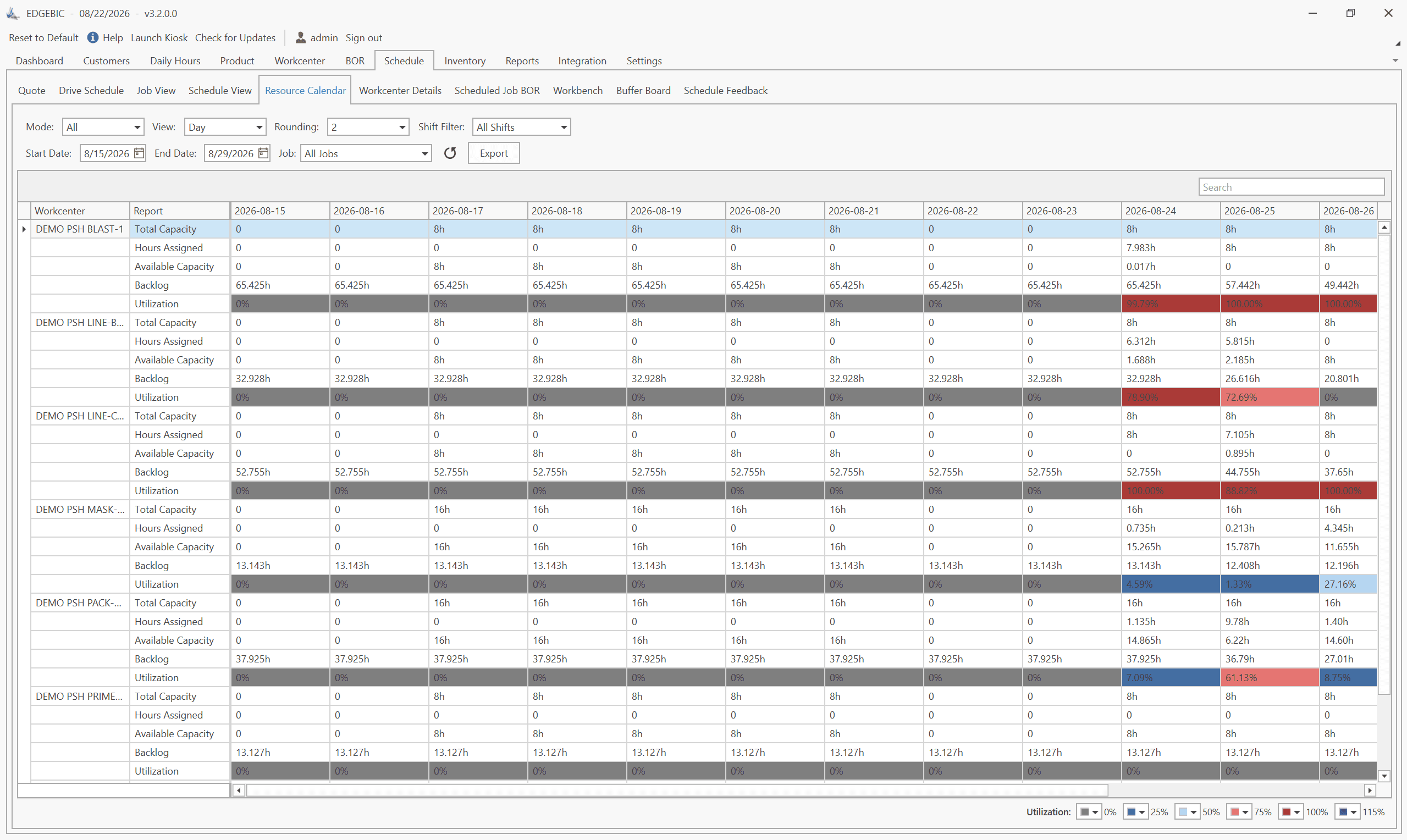
How to Create a Production Schedule in 7 Steps (Free Template)
How to create a production schedule step by step: horizon, real capacity, work orders, load check, sequence, dates, then publish. Worked example included.
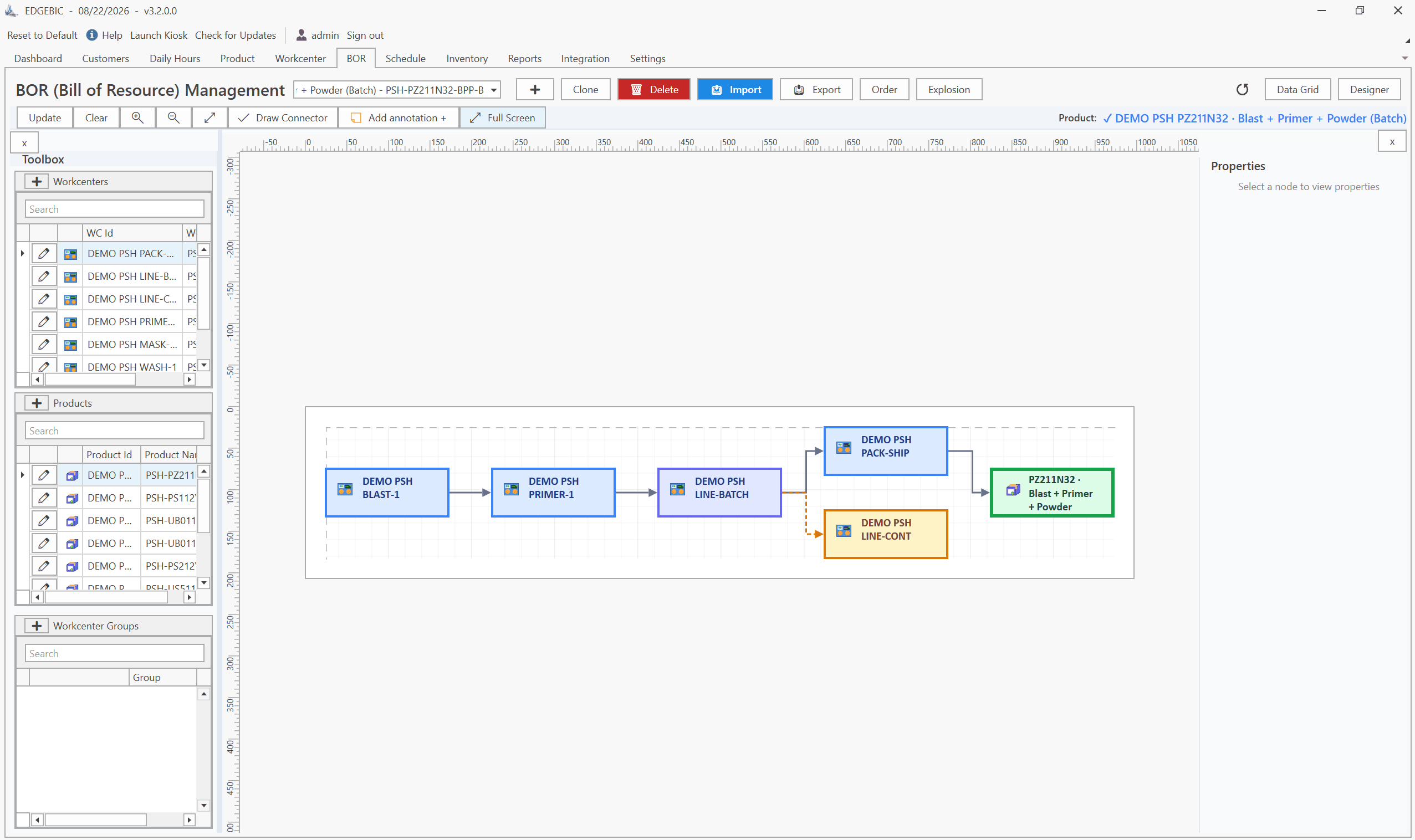
Production Planning and Control (PPC): Functions and Examples
Production planning and control explained: routing, loading, scheduling, sequencing, dispatching and expediting, the types of scheduling, and worked examples.
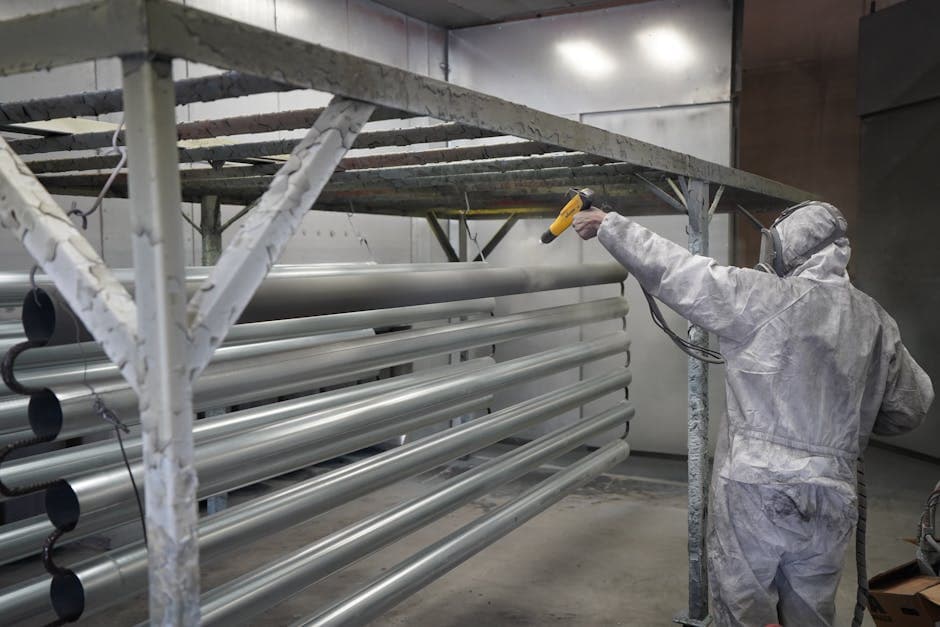
Sequence-Dependent Setup Times: The Scheduling Problem That Costs You Capacity
When changeover time depends on what ran before, standard scheduling fails. Learn how setup matrices, sequence optimization, and APS software recover 10-25% of hidden capacity in paint lines, food, and coating operations.