
From Excel to APS: A Step-by-Step Migration Guide
 User Solutions Team
Migrating from Excel to APS (Advanced Planning and Scheduling) software is one of the highest-return investments a manufacturer can make. But the transition can feel daunting - especially when the spreadsheet has been the scheduling backbone for years. This step-by-step guide demystifies the migration process, covering data preparation, implementation, training, and go-live. It is based on hundreds of successful migrations we have managed at User Solutions over the past 35+ years.
If you are still on the fence about whether to make the switch, read our article on why Excel scheduling fails first. If you are ready to move forward, this guide will get you there.
Phase 1: Assessment and Preparation (Days 1-3)
Audit Your Current Spreadsheet
Before you can migrate, you need to understand what you are migrating from. Document:
- What data lives in the spreadsheet - jobs, machines, routings, due dates, priorities
- What logic is embedded - formulas, conditional formatting, macros, hidden rules
- What your scheduler does manually - the steps they take each day that are not captured in the spreadsheet
- What pain points exist - the specific failures that motivated the migration
This audit typically takes a few hours with your scheduler present. The goal is not to replicate the spreadsheet in the new system - it is to understand the scheduling objectives the spreadsheet was trying to achieve.
Identify Your Critical Resources
You do not need to schedule every resource on day one. Identify the 5-10 machines or work centers that matter most:
- Bottleneck resources that constrain throughput
- Resources with the most complex scheduling requirements
- Resources where scheduling conflicts cause the most delivery problems
These are your priority resources for the initial migration. Additional resources can be added incrementally after go-live.
Gather Core Data
Three data sets are required for any APS implementation:
1. Resources: List of machines and work centers with their available hours, shift patterns, and any planned downtime. Example:
| Resource | Type | Hours/Day | Shifts | Notes |
|---|---|---|---|---|
| CNC Lathe 1 | Machine | 16 | 2 | Bottleneck - schedule first |
| CNC Mill 1 | Machine | 8 | 1 | - |
| CNC Mill 2 | Machine | 8 | 1 | Alternate to Mill 1 |
| Assembly 1 | Work Center | 8 | 1 | 3 operators |
| Paint Booth | Machine | 8 | 1 | Batch processing |
2. Jobs/Orders: Open orders with quantities, due dates, and priorities. This data typically comes from your ERP system.
3. Routings: The sequence of operations for each part, including run times and setup times per operation. This is often the data that needs the most cleanup.
Clean Routing Data (80% Rule)
Routing accuracy is the single biggest factor in migration success. But do not let perfection be the enemy of progress. Apply the 80% rule:
- Run times need to be within 20% of actual - close enough for scheduling
- Setup times need to be captured, even if approximate
- Operation sequences must be correct
- Focus accuracy efforts on bottleneck resources and high-volume parts
You can refine run times over the first few weeks of live scheduling based on actual completions. Starting with approximate data is far better than delaying the migration for months while perfecting every routing.
Phase 2: System Configuration (Days 2-4)
Set Up Resources
Enter your resource definitions into the APS system - machines, work centers, labor pools, shift calendars, and capacity constraints. With RMDB from User Solutions, this typically takes 2-4 hours for a mid-size shop.
Import Routings and Jobs
Transfer your routing and job data from ERP (or from the spreadsheet if ERP routings are unavailable). RMDB supports multiple import formats including CSV files and direct database connections, making this a straightforward process.
Configure Scheduling Rules
Translate your scheduling logic into the system:
- Priority rules - how jobs are sequenced (earliest due date, critical ratio, customer priority). See our scheduling methods guide.
- Scheduling direction - forward or backward scheduling
- Constraint definitions - which resources are finite capacity and which can be treated as infinite
- Setup grouping - rules for batching similar jobs to minimize changeover
Generate Your First Schedule
Run the scheduling engine and review the output. Compare it to your current Excel schedule:
- Do the job sequences make sense?
- Are delivery date predictions reasonable?
- Are any resources obviously overloaded or underloaded?
- Does the schedule match your scheduler's intuition about what the shop floor can handle?
Discrepancies at this stage are normal and expected. They usually point to data issues (inaccurate run times, missing operations) or configuration adjustments needed.
Phase 3: Validation and Training (Days 3-5)
Parallel Run
Run the APS system alongside your Excel schedule for 1-2 weeks. Each day:
- Import the same job updates into both systems
- Compare the schedules produced
- Note where they differ and why
- Adjust data and configuration in the APS to resolve justified differences
The parallel run builds confidence. Within a few days, most schedulers find the APS schedule is more accurate and easier to maintain than the spreadsheet.
Train the Scheduler
Training should cover:
- Daily workflow - the step-by-step process for refreshing the schedule each day
- Rescheduling - how to handle disruptions using drag-and-drop tools in EDGEBI
- What-if analysis - how to evaluate the impact of rush orders and other changes
- Reporting - how to track scheduling KPIs
User Solutions provides hands-on training as part of our 5-day implementation. By the end of training, your scheduler should be able to manage the daily scheduling process independently.
Train Shop Floor Supervisors
Supervisors need to understand:
- How to read the dispatch list or Gantt chart
- Where to find their resource's job queue
- How to report job completions back to the system
- Who to contact when the schedule needs adjustment
Keep supervisor training simple and focused. They do not need to know how to build a schedule - just how to follow one and provide feedback.
Phase 4: Go-Live (Day 5)
Cutover Checklist
Before going live, confirm:
- All critical resources are configured with accurate capacity
- Current open orders are loaded with correct due dates
- Routings for active jobs have been validated
- The scheduler can independently perform daily scheduling tasks
- Shop floor supervisors know how to access the schedule
- A support contact is available for the first week (User Solutions provides this)
- The parallel Excel schedule is available as a fallback if needed
First Week After Go-Live
The first week sets the tone. Expect:
- Questions from the shop floor - normal. Have the scheduler available to answer them.
- Data corrections - some run times or setup times will be wrong. Correct them as they are discovered.
- Adjustment to the new workflow - the scheduler's daily routine will change. Allow time for adaptation.
- Quick wins - most manufacturers see immediate improvements in visibility and scheduling speed, even before all data is refined.
Phase 5: Optimization (Weeks 2-4)
Refine Data
As actual production data flows in, compare actual run times to planned run times. Update routings where significant variances exist. Focus on:
- Bottleneck resources (accuracy matters most here)
- High-volume parts (small per-unit errors multiply)
- Operations with the largest plan-vs-actual variance
Expand Resource Coverage
Add secondary resources that were not included in the initial migration. Now that the core system is running, adding a resource is a quick configuration task.
Introduce Advanced Features
Once the basics are solid, explore:
- What-if scenario analysis
- Setup optimization and job grouping
- KPI tracking and reporting
- Alternate routing logic for load balancing
Common Migration Mistakes to Avoid
Waiting for perfect data. Data will never be perfect. Start with 80% accuracy and improve continuously. Waiting for perfection delays the benefits indefinitely.
Trying to schedule everything at once. Start with your critical resources and expand. A focused migration on 5-10 machines is faster, less risky, and delivers immediate value.
Not involving the scheduler. The scheduler is the primary user. If they are not involved in configuration and training, adoption will suffer. Make them a partner in the migration, not a recipient of it.
Keeping the spreadsheet "just in case" for too long. A reasonable parallel run is 1-2 weeks. Beyond that, the spreadsheet becomes a crutch that prevents full adoption. Set a firm cutover date and stick to it.
Ready to make the move from Excel to APS? Contact User Solutions for a demo and migration assessment. We will review your current scheduling process and show you exactly how the transition works - including our 5-day implementation timeline.
With proper preparation, migration can take as little as 5 days with User Solutions' rapid implementation program. More complex environments with many resources and intricate constraints may take 2-4 weeks. The key factors are data readiness and the number of resources being scheduled.
You need reasonably accurate data for your critical resources - routing sequences, approximate run times, and setup times. Perfection is not required at launch. Start with 80% accuracy and refine over time based on actual shop floor feedback. Focus on bottleneck resources first.
Yes, and we recommend it for the first 1-2 weeks. Run both systems side by side to build confidence in the new system. Once the APS schedule proves more accurate and easier to maintain, you will naturally stop updating the spreadsheet.
You need three core data sets: resources (machines, work centers, their capacity), jobs/orders (what needs to be made, quantities, due dates), and routings (the sequence of operations, run times, and setup times for each part). Most of this already exists in your ERP even if you schedule in Excel.
Expert Q&A: Deep Dive
Q: Our spreadsheet has 15 years of customization. How do we capture all that logic in the new system?
A: Those 15 years of customization represent real scheduling knowledge - but they are also a risk, because the logic lives in one person's head and one fragile file. The migration process explicitly captures this knowledge. During implementation, we sit with your scheduler and walk through the spreadsheet, identifying the rules, priorities, and exceptions they have built in. Each rule gets translated into the APS configuration. The result is scheduling logic that is documented, shareable, and maintained by the system rather than by a single person. Not every Excel formula will have a direct equivalent, but the scheduling outcomes they produce will. The APS handles them through constraint definitions, priority rules, and resource configurations rather than cell formulas.
Frequently Asked Questions
Ready to Transform Your Production Scheduling?
User Solutions has been helping manufacturers optimize their production schedules for over 35 years. One-time license, 5-day implementation.

User Solutions Team
Manufacturing Software Experts
User Solutions has been developing production planning and scheduling software for manufacturers since 1991. Our team combines 35+ years of manufacturing software expertise with deep industry knowledge to help factories optimize their operations.
Share this article
Related Articles
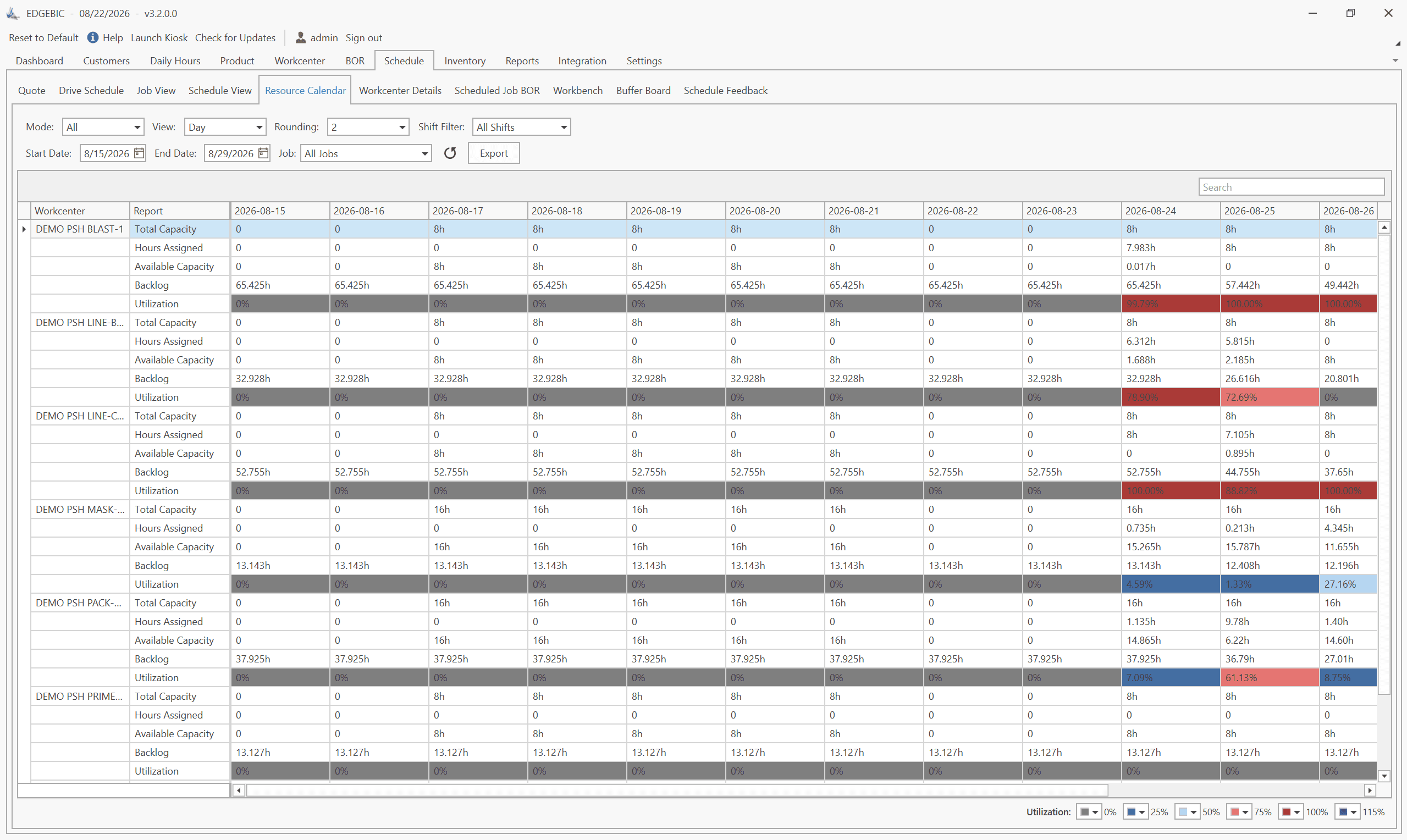
How to Create a Production Schedule in 7 Steps (Free Template)
How to create a production schedule step by step: horizon, real capacity, work orders, load check, sequence, dates, then publish. Worked example included.
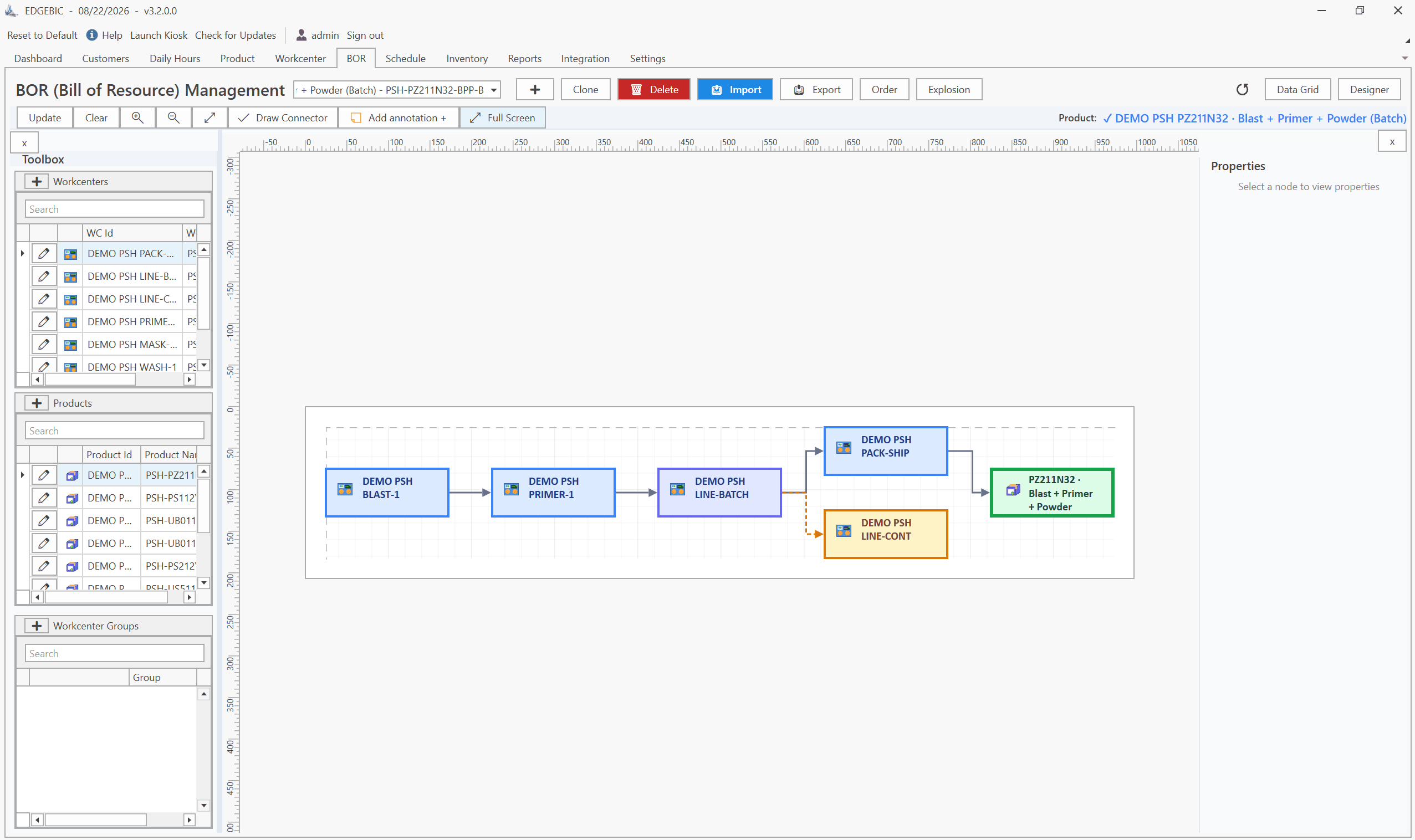
Production Planning and Control (PPC): Functions and Examples
Production planning and control explained: routing, loading, scheduling, sequencing, dispatching and expediting, the types of scheduling, and worked examples.

Sequence-Dependent Setup Times: The Scheduling Problem That Costs You Capacity
When changeover time depends on what ran before, standard scheduling fails. Learn how setup matrices, sequence optimization, and APS software recover 10-25% of hidden capacity in paint lines, food, and coating operations.