
How to Build a Master Production Schedule (MPS) Step by Step
 User Solutions Team
This guide is the how-to: the steps to build a master production schedule (MPS) from scratch, and the weekly routine that keeps it accurate. If you want the definition first, with the projected available balance and available-to-promise formulas and three worked examples, start with what is a master production schedule, then come back here.
Without a reliable MPS, material requirements planning cannot function accurately, capacity problems go undetected, and the detailed production schedule lacks a foundation to build on. Despite its importance, the MPS is one of the most poorly maintained planning tools in manufacturing. Below: how to create one, how to maintain it, and how it connects to the detailed production scheduling that drives your shop floor. To follow along with real numbers, download the free master production schedule Excel template; it calculates gross requirements, projected balance and available to promise for you.
Before You Start: What Goes In and What Comes Out
The MPS sits between demand management and shop floor execution. Collect the inputs before step 1:
Inputs to the MPS:
- Customer orders (confirmed demand)
- Sales forecasts (anticipated demand)
- Safety stock requirements
- Current inventory levels
- Available capacity (rough-cut)
Outputs from the MPS:
- Time-phased production plan by product and period
- Input to MRP for material requirements calculation
- Input to rough-cut capacity planning to validate feasibility
- Foundation for detailed production scheduling
In simple terms, the MPS answers: How much of each product will we produce in each of the next 8-16 weeks?
MPS vs. Detailed Production Scheduling
Understanding the distinction between the MPS and the detailed production schedule is critical. They operate at different levels:
| Dimension | Master Production Schedule | Detailed Production Schedule |
|---|---|---|
| Planning unit | Finished products or product families | Individual operations/tasks |
| Time bucket | Weekly (sometimes daily) | Hourly or by shift |
| Resource level | Aggregate (plant or department) | Specific machines and operators |
| Capacity model | Rough-cut (often infinite) | Finite capacity |
| Primary purpose | Drive MRP and capacity validation | Drive shop floor execution |
| Update frequency | Weekly | Daily or more frequent |
| Horizon | 8-16 weeks | 1-4 weeks |
The MPS tells you what and how much. Detailed scheduling tells you where, when, and in what order. Both are necessary. See our article on production scheduling vs production planning for more on this distinction.
How to Create an MPS: Step by Step
Step 1: Gather Demand Data
Compile all demand sources into a single view:
- Confirmed orders - customer purchase orders with firm quantities and dates
- Forecast - anticipated demand from the sales team or statistical forecasting
- Interplant transfers - if you supply other facilities
- Safety stock replenishment - quantities needed to maintain buffer inventory
For make-to-order manufacturers, confirmed orders are the primary input. For make-to-stock, forecasts play a larger role.
Step 2: Define Time Fences
Time fences establish zones of schedule stability:
- Frozen zone (0-2 weeks): The schedule is locked. Changes require management approval and must be justified by exceptional circumstances (major customer, quality emergency).
- Slushy zone (3-6 weeks): Changes are permitted with documented impact analysis. The planner evaluates material and capacity implications before approving.
- Flexible zone (7+ weeks): Changes are routinely accommodated as demand signals evolve.
Time fences protect the near-term schedule from constant churning while allowing flexibility further out. Without them, every sales call triggers a schedule change, and the shop floor never has a stable plan.
Step 3: Calculate Available-to-Promise (ATP)
Available-to-Promise (ATP) tells your sales team what quantities can be promised for delivery without disrupting existing commitments:
ATP = MPS quantity - Committed orders for the period
ATP visibility prevents over-promising. When a salesperson can see that 50 units are already committed in Week 12 out of a planned 75, they know only 25 units remain available to promise. In practice "the period" runs from one MPS receipt to the next, and the first period also counts on-hand stock. The full discrete and cumulative ATP calculation, with a worked customer request, is in worked example 3 of what is a master production schedule.
Step 4: Run Rough-Cut Capacity Planning (RCCP)
Before finalizing the MPS, validate that you have the capacity to execute it. RCCP checks aggregate capacity at critical resources:
- Does the MPS overload any key work center?
- Are any weeks significantly over or under capacity?
- Are capacity shortfalls addressable through overtime, subcontracting, or schedule smoothing?
If RCCP reveals capacity problems, adjust the MPS before it drives MRP and detailed scheduling. It is much cheaper to move orders between weeks at the MPS level than to discover the problem on the shop floor.
Step 5: Finalize and Publish
Once the MPS is validated against capacity, publish it. The MPS becomes the driving input for:
- MRP - calculating material requirements and generating purchase orders
- Detailed scheduling - loading jobs against specific machines using finite capacity scheduling
- Sales - confirming delivery dates and managing customer expectations
Maintaining the MPS
An MPS is a living document. Here is how to keep it accurate and useful:
Weekly MPS Review Meeting
Hold a 30-60 minute weekly meeting with representatives from sales, operations, and materials. The agenda:
- Review MPS performance from the prior week (did actual production match the plan?)
- Update the demand picture (new orders, forecast changes, cancellations)
- Address capacity issues for the coming weeks
- Extend the MPS horizon by one week
- Approve any changes to the frozen zone
This meeting is the single most important planning discipline a manufacturer can adopt.
Performance Metrics
Track MPS adherence - the percentage of MPS line items produced as planned:
MPS Adherence = (MPS items produced on schedule / Total MPS items) x 100
Target: 95%+ in the frozen zone. If adherence is consistently below 90%, either the MPS is unrealistic or shop floor execution needs improvement.
Managing Demand Changes
When demand changes (and it always does):
- Evaluate the impact on materials and capacity before approving
- Respect time fences - push back on changes in the frozen zone unless truly exceptional
- Document changes and their reasons to identify patterns (if the same customer constantly changes, address it commercially)
- Communicate approved changes to all affected departments immediately
Connecting MPS to Detailed Scheduling
The MPS generates planned orders that feed into detailed scheduling. Here is how the handoff works:
- The MPS says "Produce 200 units of Part A in Week 15"
- MRP explodes this into raw material requirements and generates planned production orders
- The planned orders are released to the scheduling system
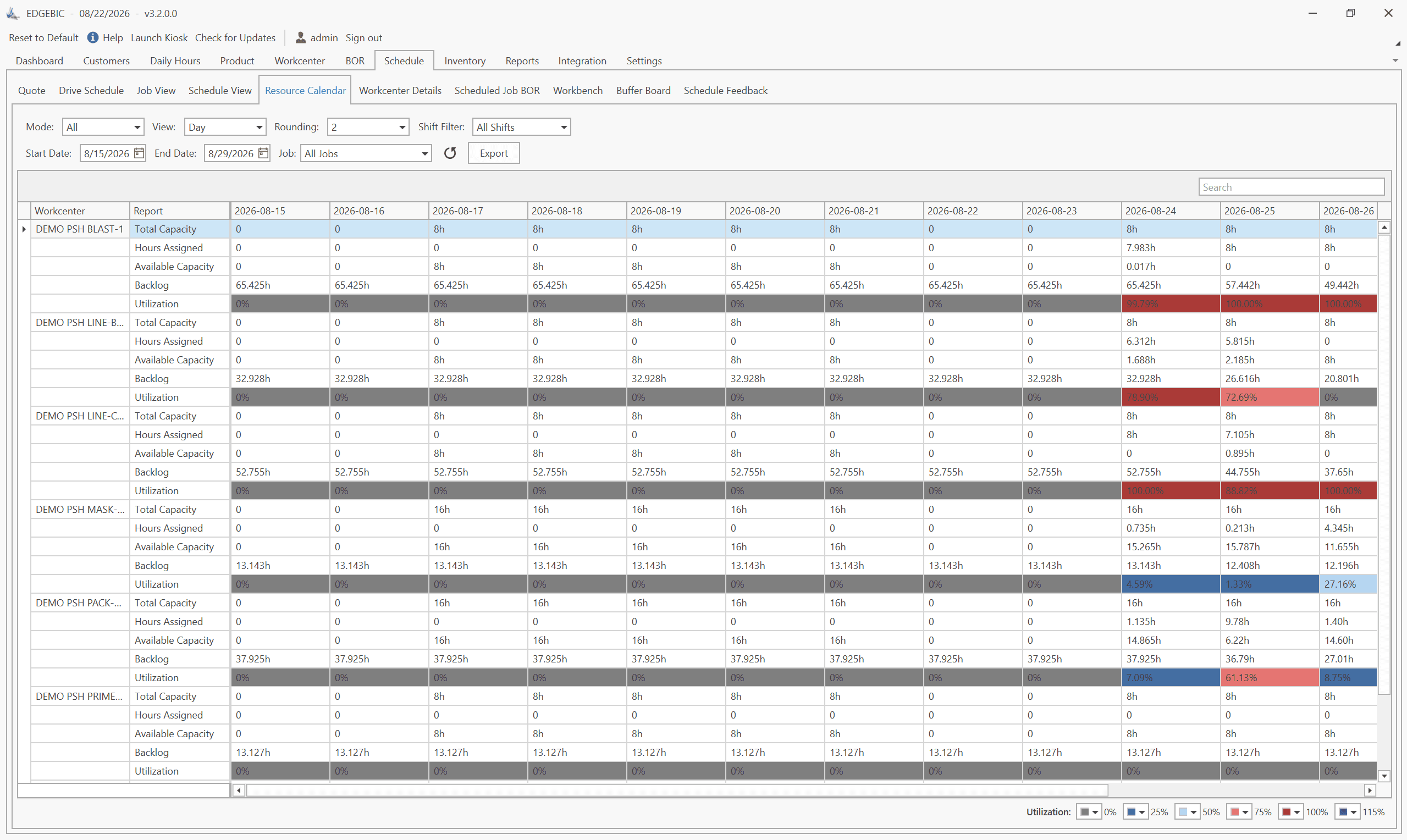
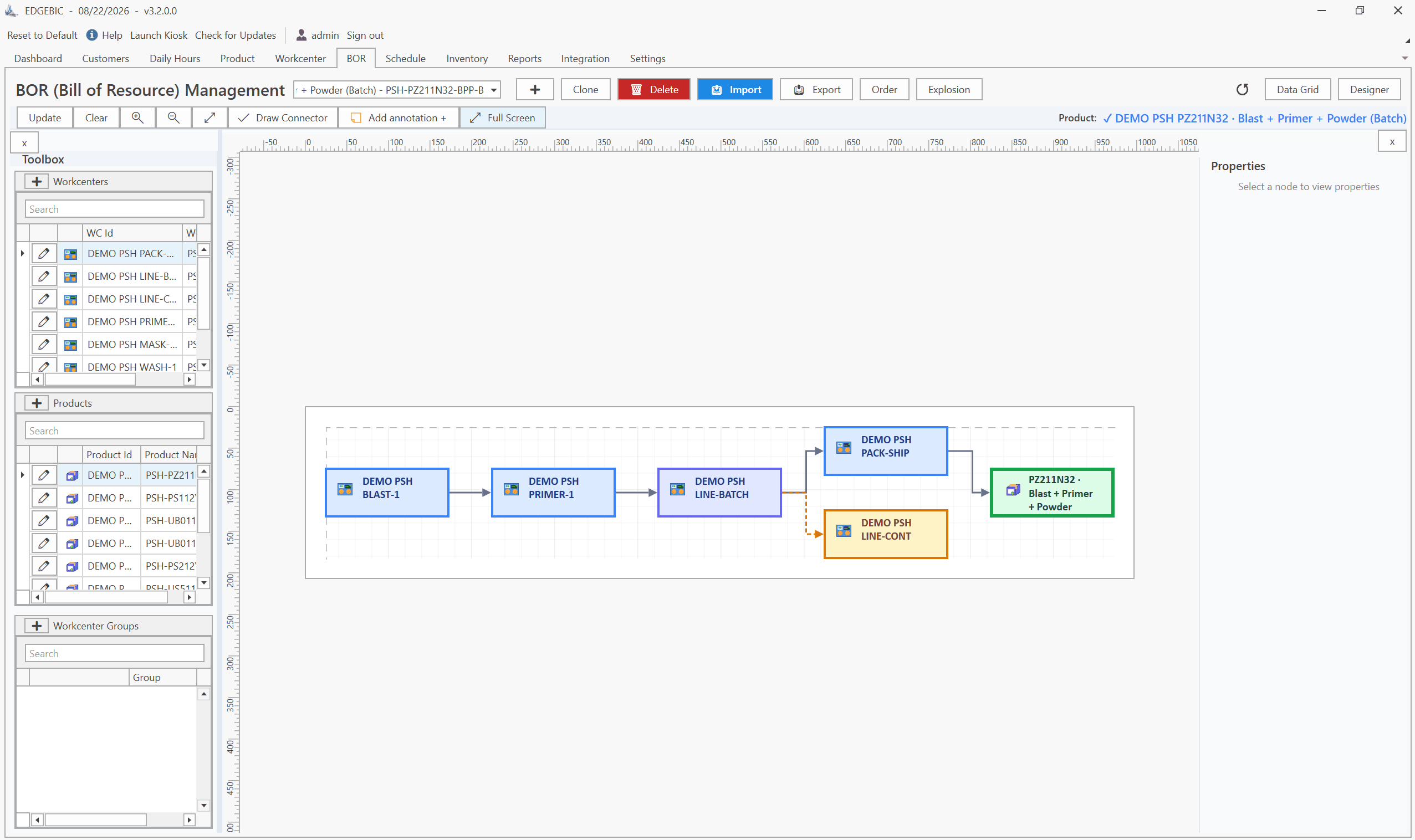
- RMDB from User Solutions, now continued as EDGEBIC (RMDB 2.0) by User Solutions, loads these orders against specific machines using finite capacity scheduling
- The scheduler uses EDGEBI's Gantt chart to visualize and fine-tune the detailed schedule
- The shop floor executes the schedule and reports completions
When this chain works smoothly, the MPS targets become the shop floor reality. When it breaks - typically due to poor MPS maintenance, inaccurate data, or lack of finite capacity scheduling - the gap between plan and execution widens.
Common MPS Mistakes
Over-stating the MPS. Loading more into the MPS than the plant can produce creates a permanent state of being behind schedule. Be honest about capacity when setting MPS quantities.
No time fences. Without frozen and slushy zones, the MPS changes constantly, MRP churns, purchase orders are revised daily, and the shop floor cannot execute.
Disconnected from scheduling. An MPS that is not validated against finite capacity at the detailed level may be infeasible even though RCCP approved it. The aggregate view can hide bottleneck-level overloading.
No weekly review. An MPS that is set once and not maintained degrades rapidly as demand changes and actual production deviates from plan.
The MPS is not glamorous, but it is foundational. Manufacturers who maintain a disciplined MPS consistently outperform those who do not - in delivery performance, material availability, and scheduling effectiveness.
For the software side, see master production schedule software. Contact User Solutions to learn how RMDB and EDGEBIC connect your MPS to detailed finite capacity scheduling for seamless planning-to-execution flow.
Gather all demand into one view, set time fences, calculate the plan and available to promise, check it against rough-cut capacity, then publish it to drive MRP, detailed scheduling and sales promises. Run a weekly MPS review to keep it current. For the definition and worked examples, read what is a master production schedule.
MPS operates at the product level with weekly time buckets, determining how much of each product to make each week. Detailed production scheduling operates at the operation level with hourly or daily precision, determining which machine runs which operation at what exact time. MPS sets the targets; scheduling executes them.
Most manufacturers plan the MPS 8-16 weeks out, covering at least the cumulative lead time of their longest product. The near-term portion (1-4 weeks) should be relatively firm, while the further-out portion accommodates forecast changes and demand adjustments.
Typically a master scheduler or production planner who works closely with sales, operations, and materials management. In smaller companies, this role may be combined with the production manager or operations manager position.
Review and update the MPS weekly. The near-term frozen zone should change only for exceptional circumstances. The flexible zone can be adjusted as demand signals change. Weekly MPS meetings with sales and operations keep the plan aligned with reality.
Expert Q&A: Deep Dive
Q: We are a make-to-order shop. Do we still need an MPS?
A: Yes, though it looks different than an MPS for make-to-stock. In a make-to-order environment, the MPS is driven by confirmed orders rather than forecasts. Each order (or group of similar orders) becomes a line item in the MPS with its quantity and required completion week. The MPS still serves critical functions: it drives MRP for long-lead materials, it provides a capacity overview for the coming weeks, and it sets the high-level targets that detailed scheduling will execute. Without an MPS, make-to-order shops often discover material shortages and capacity conflicts too late to address them.
Q: Our sales team keeps changing delivery dates after orders are in the MPS. How do we manage that?
A: This is the single most common MPS challenge. The solution is a formal change management process with time fences. Define a frozen period (typically 1-2 weeks out) where changes require approval from both operations and sales management - not just a salesperson making a phone call. Changes in the slushy zone (3-6 weeks out) can be accommodated with documented impact analysis. Beyond 6 weeks, changes are routinely accepted. The key is making the cost of changes visible. When sales requests a date pull-in, show them which other orders are affected and what overtime costs are required. This visibility usually moderates the frequency of requests.
Frequently Asked Questions
Ready to Transform Your Production Scheduling?
User Solutions has been helping manufacturers optimize their production schedules for over 35 years. One-time license, 5-day implementation.

User Solutions Team
Manufacturing Software Experts
User Solutions has been developing production planning and scheduling software for manufacturers since 1991. Our team combines 35+ years of manufacturing software expertise with deep industry knowledge to help factories optimize their operations.
Share this article
Related Articles
How to Create a Production Schedule in 7 Steps (Free Template)
How to create a production schedule step by step: horizon, real capacity, work orders, load check, sequence, dates, then publish. Worked example included.
Production Planning and Control (PPC): Functions and Examples
Production planning and control explained: routing, loading, scheduling, sequencing, dispatching and expediting, the types of scheduling, and worked examples.

Sequence-Dependent Setup Times: The Scheduling Problem That Costs You Capacity
When changeover time depends on what ran before, standard scheduling fails. Learn how setup matrices, sequence optimization, and APS software recover 10-25% of hidden capacity in paint lines, food, and coating operations.