
Cloud vs On-Premise Scheduling Software: Which is Best?
 User Solutions Team
Choosing between cloud vs on-premise scheduling software is one of the first decisions manufacturers face when upgrading their production scheduling capability. The software industry has pushed hard toward cloud-everything, but manufacturing is not a typical software environment. Shop floors have unique requirements around connectivity, performance, data security, and control that make this decision more nuanced than the cloud vendors suggest.
This guide compares cloud and on-premise deployment options across the dimensions that matter most to production managers and plant directors. If you are evaluating production scheduling software, understanding this choice will help you avoid a deployment mistake that is costly to reverse.
Understanding the Two Models
Cloud (SaaS) Scheduling
Cloud scheduling software runs on the vendor's servers - typically in AWS, Azure, or Google Cloud data centers. You access the system through a web browser. The vendor manages the infrastructure, applies updates, and handles backups. You pay a recurring subscription fee.
On-Premise Scheduling
On-premise scheduling software runs on your own servers or PCs within your facility. You control the hardware, manage updates on your schedule, and keep all data within your network. You pay a one-time license fee plus optional annual maintenance for support and updates.
Cost Comparison: Beyond the Sticker Price
The headline cost comparison is misleading. Cloud software looks cheaper because of low monthly fees. On-premise looks expensive because of the upfront license. The real comparison requires a total cost of ownership analysis over 3-5 years.
Cloud Cost Structure
- Monthly subscription: $500-3,000/month depending on users and features
- No upfront license cost
- No hardware purchase (but you need reliable internet)
- Price increases at renewal (typically 5-10% annually)
- Costs continue as long as you use the software - you never own it
5-year cloud cost example: $1,500/month x 60 months = $90,000 (not counting annual price increases)
On-Premise Cost Structure
- One-time license: $10,000-50,000 depending on scope
- Annual maintenance (optional): 15-20% of license cost for support and updates
- Server hardware: $2,000-5,000 (or run on an existing PC)
- Internal IT time for installation and updates
5-year on-premise cost example: $25,000 license + $5,000/year maintenance x 5 = $50,000 total
For many manufacturers, on-premise costs 30-50% less over five years. The break-even point is typically 18-24 months - after that, on-premise is less expensive every month.
Performance: Speed Matters for Scheduling
Production scheduling is computationally intensive. When you reschedule 500 jobs across 50 work centers, the scheduling engine processes millions of constraint calculations. Performance differences between cloud and on-premise are noticeable.
On-Premise Advantage
On-premise scheduling runs on your local network with no internet latency. Schedule generation is fast because data does not travel to and from a remote server. Drag-and-drop rescheduling feels instant. What-if scenarios run in seconds.
This matters because schedulers interact with the system dozens of times per day. A 2-second delay on every action adds up to significant lost productivity and frustration over a full day.
Cloud Reality
Cloud scheduling performance depends on your internet connection, the vendor's server load, and the distance to their data center. Under good conditions, modern cloud applications are responsive. But "good conditions" is not guaranteed on a manufacturing shop floor. Internet outages, bandwidth congestion during peak hours, and latency spikes all affect the user experience.
For manufacturers running real-time scheduling with frequent updates from the shop floor, the performance gap becomes more significant.
Data Security and Control
Manufacturing data is sensitive. Your routings, cycle times, customer information, and production schedules represent competitive intelligence. Where that data lives matters.
On-Premise: You Control Everything
With on-premise deployment, your scheduling data never leaves your building. It sits on your server, behind your firewall, managed by your IT policies. There is no third-party access, no data stored in a shared cloud environment, and no vendor employee who could theoretically access your information.
For manufacturers in defense, aerospace, and regulated industries, this is often a non-negotiable requirement. ITAR compliance, CMMC certification, and certain ISO standards are much simpler to maintain when data stays on-premise. See our guide on manufacturing compliance and scheduling for more detail.
Cloud: Trust the Vendor
Cloud vendors invest heavily in security - often more than individual manufacturers can afford. Enterprise-grade encryption, multi-factor authentication, and SOC 2 compliance are standard. But you are trusting the vendor's security posture, not controlling it.
The risk is not just hacking. Cloud vendors can be acquired, go bankrupt, or change terms of service. If your scheduling vendor is acquired by a competitor, your production data is now in their hands. If the vendor shuts down, you need to migrate quickly or lose access to your scheduling system.
Connectivity and Reliability
Manufacturing does not stop when the internet goes down. Your scheduling software should not either.
The Internet Dependency Problem
Cloud scheduling requires internet connectivity. Period. If your connection drops during the morning scheduling run, your scheduler cannot work. If your ISP has a regional outage, your entire planning operation stops.
This is not hypothetical. The average US business experiences 14 hours of internet downtime per year. For a manufacturer running lean with tight delivery commitments, even a few hours of scheduling downtime can cascade into missed deliveries.
On-Premise Resilience
On-premise scheduling runs on your local network. It works during internet outages, ISP maintenance windows, and cloud vendor incidents. Your scheduler can access the system as long as the building has power. For manufacturers who value reliability, this independence is a significant advantage.
Customization and Control
Manufacturing operations are diverse. A job shop scheduling high-mix, low-volume work has different needs than a food and beverage production line. How easily the software adapts matters.
On-Premise Flexibility
On-premise software typically offers more configuration options and the ability to customize at a deeper level. Updates happen on your schedule - you test new versions before deploying them, ensuring they do not disrupt your workflow. You control the upgrade timeline rather than having changes pushed to you.
Cloud Standardization
Cloud software tends toward a one-size-fits-all approach. Updates are pushed to all customers simultaneously, which means a new feature that benefits one customer might break another's workflow. Customization options are more limited because the vendor needs to maintain a single codebase for all customers.
When Cloud Makes Sense
Cloud deployment is the better choice when:
- You need remote access from multiple locations without VPN infrastructure
- Your IT team is very small and cannot manage on-premise servers
- You prefer operational expense (monthly) over capital expense (upfront)
- Your scheduling needs are straightforward with fewer than 100 active jobs
- You are evaluating scheduling software and want a low-commitment trial
When On-Premise Makes Sense
On-premise deployment is the better choice when:
- Data security and control are top priorities (defense, aerospace, regulated industries)
- You need maximum scheduling performance with large data sets
- Internet connectivity at your plant is unreliable
- You want lower total cost of ownership over 3+ years
- You need deep customization or integration with on-premise ERP systems
- You want to own the software rather than rent it indefinitely
The User Solutions Approach
At User Solutions, we offer RMDB scheduling software in both cloud and on-premise deployments. The scheduling engine, user interface, and capabilities are identical - only the hosting location differs. This means you can start with one deployment model and switch later without losing your scheduling model, data, or configuration.
Most of our manufacturing customers choose on-premise deployment for the performance, security, and cost advantages. But we support both models equally because we believe the deployment decision should serve your manufacturing needs, not our business model.
Whichever deployment you choose, our 5-day implementation process gets you scheduling with real data quickly. The deployment choice affects where the software runs, not how fast you get value from it.
FAQ
It depends on your priorities. Cloud scheduling offers lower upfront costs, automatic updates, and remote access. On-premise scheduling offers faster performance with large data sets, complete data control, and no dependency on internet connectivity. Many manufacturers prefer on-premise for shop floor reliability and data security.
Cloud scheduling typically costs $500-3,000 per month in subscription fees. On-premise scheduling involves a higher upfront license cost ($10,000-50,000) but lower ongoing costs. Over a 5-year period, total cost of ownership is often comparable, though on-premise tends to be less expensive for longer-term use.
On-premise scheduling software works without internet because it runs on your local network. Cloud scheduling requires internet connectivity - if your connection drops, you cannot access the scheduler. This is a critical consideration for plants in areas with unreliable internet or for shops that cannot afford any scheduling downtime.
Most defense and aerospace manufacturers require on-premise deployment to meet ITAR, CMMC, and other compliance requirements. While some cloud providers offer GovCloud or FedRAMP-certified environments, many defense contractors prefer the certainty of on-premise data control. User Solutions offers both deployment options to meet these requirements.
Make the Right Deployment Decision
The cloud vs on-premise decision should be driven by your manufacturing requirements, not marketing trends. Contact User Solutions to discuss which deployment model best fits your plant's needs, security requirements, and budget.
Expert Q&A: Deep Dive
Q: What do you recommend for a small job shop with 20-50 employees?
A: For small job shops, we typically recommend starting with on-premise RMDB. The reasoning is practical: small shops often have limited IT budgets and do not want recurring monthly costs that add up over time. On-premise gives you a one-time investment with predictable costs. The software runs on a standard Windows PC or server that you already have. And small shops benefit from the performance advantage - when your scheduler is running locally, response times are instant even when manipulating thousands of operations.
Q: How do you handle the transition if a manufacturer wants to switch from cloud to on-premise or vice versa?
A: We have handled this migration in both directions. The scheduling model, data, and configuration transfer between deployment types because the underlying RMDB engine is the same. A cloud-to-on-premise migration typically takes 1-2 days. We export your scheduling model, install the on-premise version, import the data, and validate that everything matches. The reverse migration is equally straightforward. We never want deployment choice to feel like a permanent, irreversible decision.
Frequently Asked Questions
Ready to Transform Your Production Scheduling?
User Solutions has been helping manufacturers optimize their production schedules for over 35 years. One-time license, 5-day implementation.

User Solutions Team
Manufacturing Software Experts
User Solutions has been developing production planning and scheduling software for manufacturers since 1991. Our team combines 35+ years of manufacturing software expertise with deep industry knowledge to help factories optimize their operations.
Share this article
Related Articles
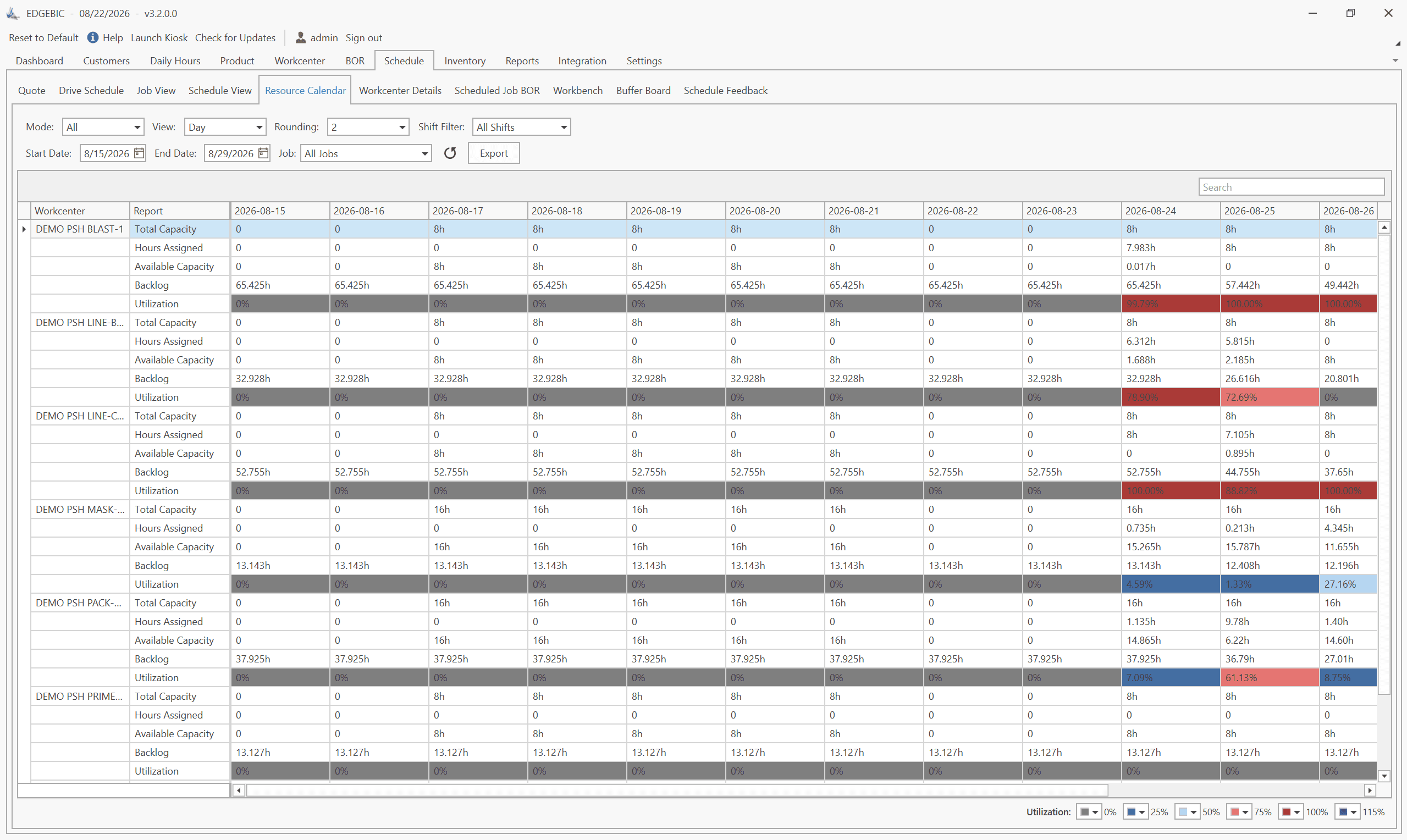
How to Create a Production Schedule in 7 Steps (Free Template)
How to create a production schedule step by step: horizon, real capacity, work orders, load check, sequence, dates, then publish. Worked example included.
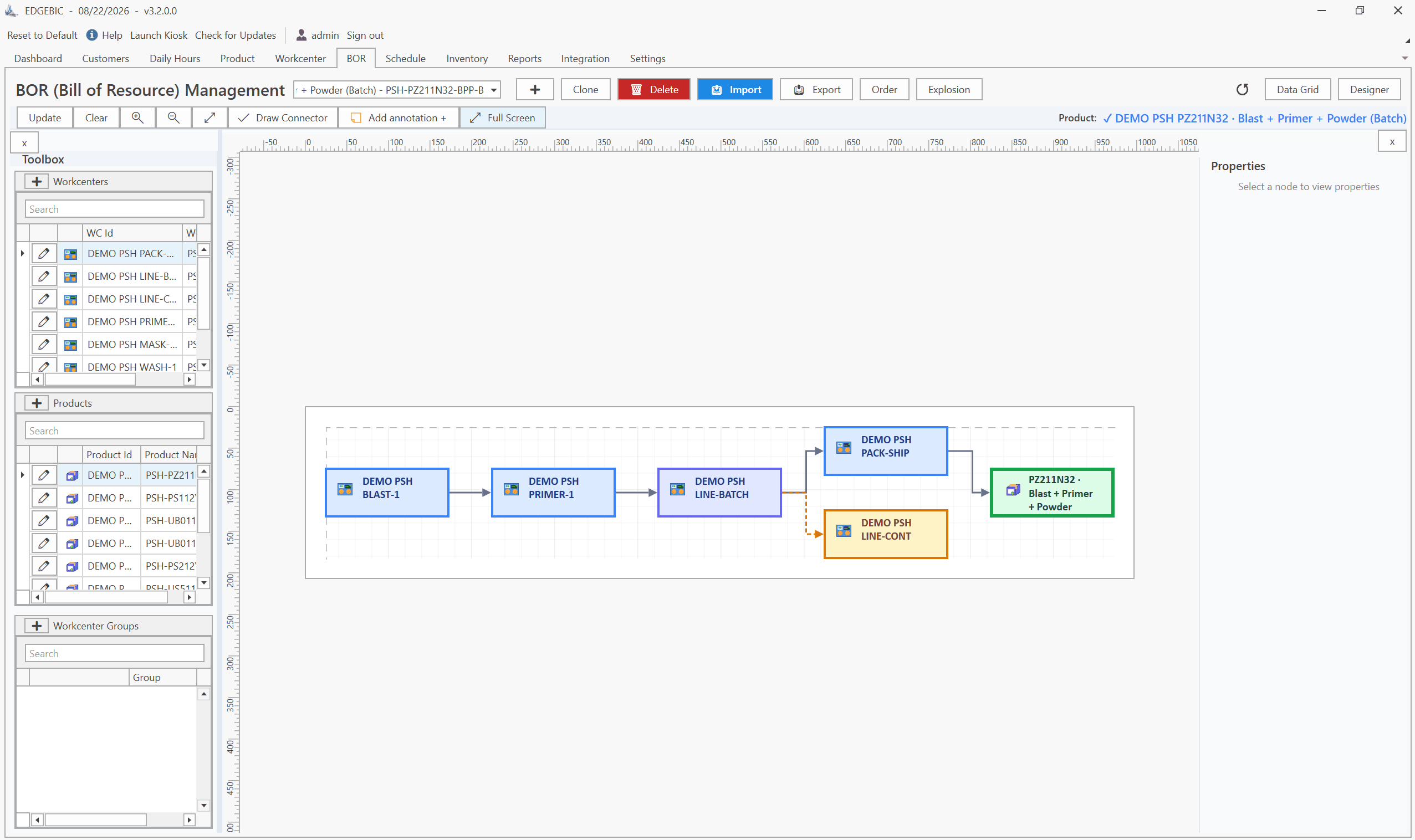
Production Planning and Control (PPC): Functions and Examples
Production planning and control explained: routing, loading, scheduling, sequencing, dispatching and expediting, the types of scheduling, and worked examples.

Sequence-Dependent Setup Times: The Scheduling Problem That Costs You Capacity
When changeover time depends on what ran before, standard scheduling fails. Learn how setup matrices, sequence optimization, and APS software recover 10-25% of hidden capacity in paint lines, food, and coating operations.