


A structured MRP implementation checklist is the difference between a system that transforms your operation and one that becomes expensive shelfware. After 35+ years and hundreds of implementations at User Solutions, we have seen what works and what fails. This checklist distills that experience into a practical, phase-by-phase guide that covers everything from initial assessment through post-go-live optimization.
Use this checklist whether you are implementing RMDB, a cloud MRP tool, or an MRP module within a larger ERP system. For foundational knowledge, start with our complete MRP guide.
Phase 1: Assessment and Planning (Weeks 1-2)
Define Objectives
- Identify the specific problems MRP should solve (stockouts, excess inventory, late deliveries, planning chaos)
- Set measurable success metrics (target on-time delivery rate, inventory reduction %, stockout frequency)
- Define scope: which products, facilities, and processes will be included
- Establish go-live date and milestones
Assemble the Team
- Assign project manager (should understand both production and IT)
- Identify power users: 1-2 planners who will champion the system
- Secure management sponsor who can make policy decisions
- Define roles for IT, purchasing, production, and engineering
Assess Current State
- Document current planning process (even if it is spreadsheets and tribal knowledge)
- Identify data sources for BOMs, inventory, routings, and lead times
- Assess data quality: are BOMs documented? Is inventory accurate? Are lead times current?
- Inventory existing systems that MRP must integrate with (ERP, accounting, shop floor)
Phase 2: Data Preparation (Weeks 2-4)
This is the most critical phase. Poor data is the #1 cause of MRP failure.
Bill of Materials
- Compile BOMs for all in-scope products
- Verify BOM accuracy against actual production builds (target: 98%+)
- Assign make vs buy flags to every item
- Define multi-level BOM structure with correct parent-child relationships
- Identify and designate phantom BOM levels
- Add scrap factors where applicable
- Validate quantities per assembly and units of measure
Inventory Records
- Conduct physical inventory count for all in-scope items
- Reconcile physical counts with system records
- Establish beginning on-hand quantities (target: 95%+ accuracy)
- Identify and disposition obsolete inventory
- Set up warehouse/location structure if applicable
Item Master Data
- Create or validate part numbers for all items (no duplicates)
- Define units of measure with conversion factors
- Set ABC classification for all items
- Enter supplier lead times (validated against actual performance)
- Define lot sizing rules per item or item class
- Set safety stock levels per item or item class
- Enter minimum order quantities and order multiples
Routings and Work Centers
- Define work centers with available capacity (hours per day/week)
- Create routings for manufactured items (operations, sequence, standard times)
- Validate setup and run times against actual shop floor performance
- Identify bottleneck work centers for capacity planning
Phase 3: System Configuration (Week 3-4)
Planning Parameters
- Configure planning horizon (how far ahead MRP plans)
- Set time fence policies (frozen, slushy, free zones) to control MRP nervousness
- Define MRP run frequency (daily, weekly, or both)
- Choose regenerative vs net change MRP processing
- Configure action message thresholds (minimum change to generate a message)
System Setup
- Import item master data
- Import BOMs and validate parent-child relationships
- Import routings and work center definitions
- Import beginning inventory balances
- Import open purchase orders and production orders
- Configure purchasing integration settings
- Set up user accounts and permissions
Reporting Configuration
- Configure exception reports
- Set up material shortage reports
- Define planned order release reports for purchasing
- Create capacity load reports
Phase 4: Testing (Week 4-5)
Unit Testing
- Run MRP for a single product and verify net requirements calculation manually
- Verify BOM explosion produces correct gross requirements at every level
- Verify lead time offsetting produces correct planned order release dates
- Verify lot sizing rules generate correct order quantities
- Verify safety stock triggers planned orders at the correct point
- Test with known scenarios: What happens when inventory is zero? When a PO is late?
Integration Testing
- Verify data flows correctly from ERP or other source systems
- Test purchase order generation from MRP planned orders
- Test production order creation and routing assignment
- Verify inventory transaction processing (receipts, issues, adjustments)
Parallel Testing
- Run MRP alongside your current planning process for 1-2 weeks
- Compare MRP recommendations against current manual plans
- Investigate any significant discrepancies (these are usually data issues)
- Resolve all critical data and configuration issues found
User Acceptance Testing
- Have power users run through their daily planning workflow in the new system
- Verify reports contain the information planners need
- Test exception handling: rush orders, supplier delays, quality holds
- Get sign-off from planning team that the system is ready
Phase 5: Training (Week 5-6)
Planner Training
- MRP fundamentals: inputs, outputs, and the planning cycle
- System navigation and daily workflow
- How to interpret and act on action messages
- How to create and manage firm planned orders
- Exception handling procedures
- Report generation and analysis
Purchasing Training
- Converting planned orders to purchase orders
- Managing supplier schedules
- Handling MRP reschedule and cancellation recommendations
Management Training
- MPS review and approval process
- KPI dashboards and performance metrics
- How to interpret capacity load reports
Shop Floor Training
- Production order receipt and completion reporting
- Scrap and rework reporting
- How shop floor data feeds back into MRP (closed-loop MRP)
Phase 6: Go-Live (Week 6-7)
Pre-Go-Live Checklist
- Final physical inventory count (within 48 hours of go-live)
- All open POs and production orders entered with correct dates
- MPS loaded for at minimum 2x the longest cumulative lead time
- All testing issues resolved
- Rollback plan defined (how to revert if critical issues arise)
- Support resources on standby (vendor, internal IT, key users)
Go-Live Execution
- Run initial MRP to generate the first set of planned orders
- Review planned orders with planning team before releasing any
- Release first batch of purchase orders and production orders
- Monitor system performance and data accuracy hourly on Day 1
- Conduct end-of-day review with the implementation team
First Week Actions
- Daily MRP runs with planner review of action messages
- Daily data accuracy spot-checks
- Collect and resolve user issues immediately
- Track key metrics: planned vs actual, exception message volume
- Daily team huddle to share learnings and resolve problems
Phase 7: Post-Implementation Optimization (Weeks 8-12+)
Stabilization (Weeks 8-10)
- Review and adjust safety stock levels based on actual demand variability
- Validate and update lead times based on actual supplier performance
- Tune action message filters to reduce MRP nervousness
- Refine lot sizing rules based on actual ordering patterns
- Address any recurring data quality issues
Expansion (Weeks 10-12)
- Add remaining product lines not included in initial scope
- Implement additional reports and dashboards
- Refine capacity planning parameters
- Begin DDMRP buffer analysis for strategic items
Continuous Improvement (Ongoing)
- Monthly review of MRP planning effectiveness
- Quarterly parameter audit (lead times, safety stock, lot sizes)
- Annual BOM accuracy audit
- Regular cycle counting to maintain inventory accuracy
- Ongoing user training for new team members
Implementation Timeline Summary
| Phase | Duration | Key Deliverable |
|---|---|---|
| 1. Assessment & Planning | 1-2 weeks | Project plan, scope, team |
| 2. Data Preparation | 2-3 weeks | Clean, validated data |
| 3. System Configuration | 1-2 weeks | Configured MRP system |
| 4. Testing | 1-2 weeks | Validated, tested system |
| 5. Training | 1-2 weeks | Trained users |
| 6. Go-Live | 1 week | Live production system |
| 7. Optimization | 4-8 weeks | Stabilized, tuned system |
| Total | 11-20 weeks | Fully operational MRP |
For focused tools like RMDB, phases 3-6 are compressed significantly, with 5-day implementations common for manufacturers with reasonably clean data.
Frequently Asked Questions
Implementation timelines range from 5 days for focused tools like RMDB to 6-18 months for full ERP systems with MRP modules. The biggest variable is data preparation, not the software itself. A focused MRP or scheduling tool with clean data can be productive in under two weeks.
Data preparation is the single most important step. Accurate BOMs, inventory records, and lead times are non-negotiable prerequisites. Most MRP implementation failures can be traced back to poor data quality, not software problems.
Phased implementation is strongly recommended. Start with your top 20% of products by revenue (the 80/20 rule). Get those running well in MRP, learn from the experience, and then expand to additional product lines. This reduces risk and builds organizational confidence.
Target 98%+ BOM accuracy, 95%+ inventory accuracy, and validated lead times for all critical items. These thresholds are well-established in APICS/ASCM literature and represent the minimum for MRP to produce reliable results.
The biggest cause is treating MRP as purely a software project rather than a business process change. MRP requires disciplined data maintenance, regular planning reviews, and organizational commitment to following the system's recommendations. Without these, even the best software produces plans nobody trusts.
Ready to Implement MRP?
Skip the 18-month implementation timeline. RMDB from User Solutions implements in as few as 5 days with guided setup, data migration assistance, and hands-on training from our team of manufacturing planning experts.
Schedule a free demo to start your implementation conversation.
Expert Q&A: Deep Dive
Q: What does a typical 5-day RMDB implementation look like?
A: Day 1 is data preparation and import. We load your BOMs, inventory, routings, and work center definitions. If you have an existing ERP, we pull data from there. If you are coming from spreadsheets, we work through a structured data template. Day 2 is system configuration: setting up lot sizing rules, safety stock levels, planning parameters, and scheduling constraints. Day 3 is validation: we run MRP and scheduling with your actual data and review the outputs with your planners. Does the schedule look realistic? Are the material plans reasonable? We fix any data issues found. Day 4 is training: your planners and schedulers learn to use the system with their real data. Day 5 is parallel testing: we run RMDB alongside your current process for a day and compare results. Most manufacturers go live the following Monday. The reason we can do this in 5 days is that RMDB is focused on scheduling and material planning. We are not implementing accounting, HR, or CRM. We are solving your production planning problem, which is a well-defined scope.
Q: What are the warning signs that an MRP implementation is going off track?
A: The three biggest warning signs are: First, the implementation team keeps pushing go-live dates because data is not ready. This means data preparation was underestimated, which is the number one implementation risk. Second, planners are already talking about workarounds before the system goes live. If people are planning to use spreadsheets alongside MRP before day one, they do not trust the system, usually because testing was insufficient. Third, management is not engaged. MRP implementation requires decisions about inventory policies, lot sizing methods, and safety stock levels. If management delegates everything to IT, the system will reflect IT assumptions, not business requirements. When we see any of these signs, we pause and address the root cause before proceeding. A delayed but successful go-live is infinitely better than an on-time disaster.
Frequently Asked Questions
Ready to Transform Your Production Scheduling?
User Solutions has been helping manufacturers optimize their production schedules for over 35 years. One-time license, 5-day implementation.

User Solutions Team
Manufacturing Software Experts
User Solutions has been developing production planning and scheduling software for manufacturers since 1991. Our team combines 35+ years of manufacturing software expertise with deep industry knowledge to help factories optimize their operations.
Share this article
Related Articles
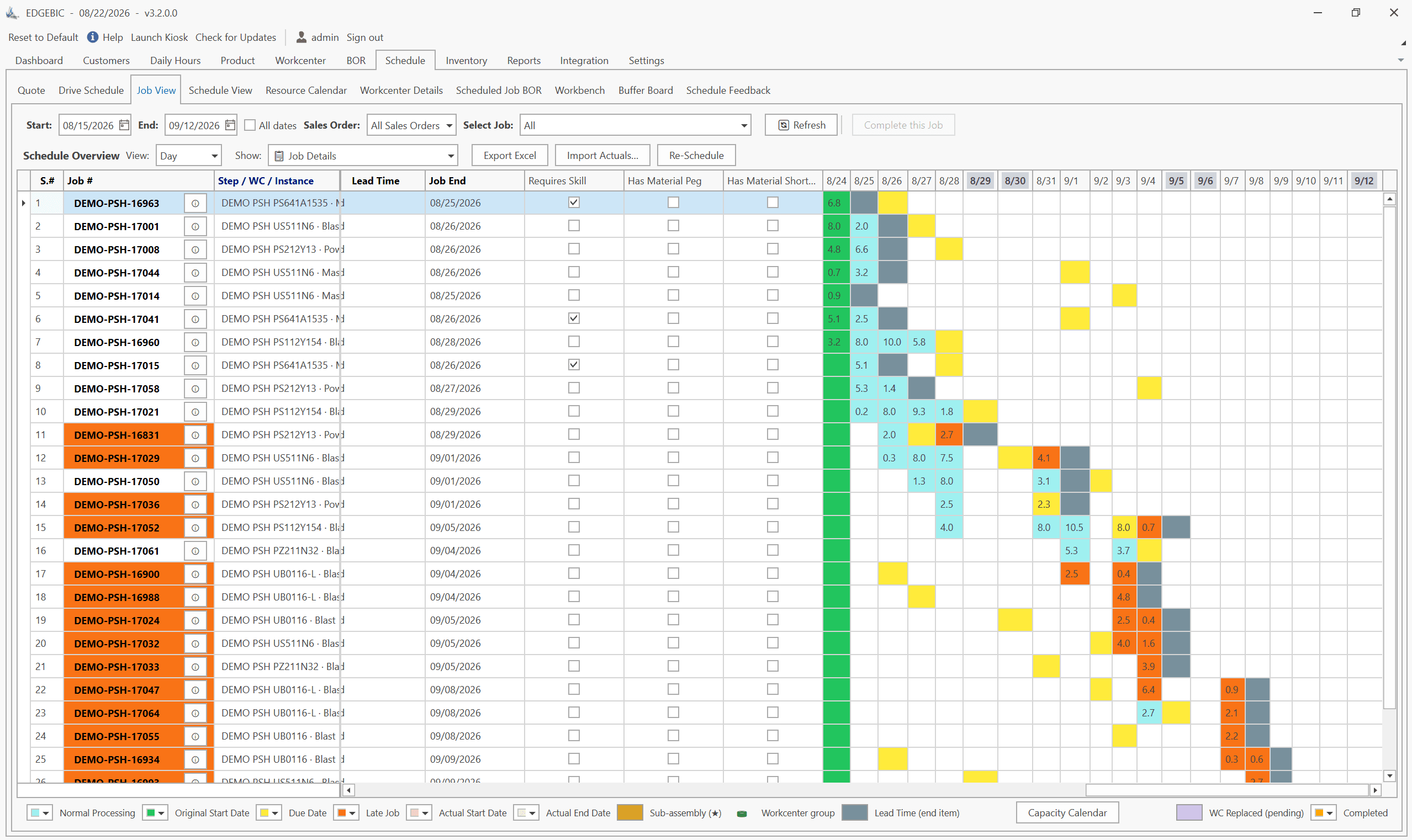
MRP vs APS: What MRP Assumes and What Finite Scheduling Fixes
MRP vs APS: MRP plans materials assuming infinite capacity and fixed lead times; APS schedules operations against real capacity. One job planned both ways.
Lean-MRP Hybrid: How to Combine Pull Scheduling with MRP for Long-Lead Materials
Lean and MRP appear to conflict - but most lean shops still need MRP for long-lead purchased materials. Here's how to combine pull scheduling and MRP at the right decoupling points.

MRP Data Accuracy: The #1 Reason MRP Implementations Fail (And How to Fix It)
Poor data quality kills MRP before it starts. Learn the three data pillars, how to hit the 98% inventory accuracy target, and a practical implementation checklist.