
Digital Twins in Manufacturing: What They Are and How to Use Them
 User Solutions Team
Digital twins are one of the most hyped - and most misunderstood - concepts in smart manufacturing. At one extreme, vendors sell the vision of a photorealistic 3D replica of your entire factory, updated in real time. At the other extreme, some manufacturers dismiss digital twins as science fiction irrelevant to their 40-person shop. The truth is in between, and it is more practical than either extreme suggests.
This guide explains what digital twins actually are, separates useful applications from hype, and shows how manufacturers of any size can benefit from the concept - even if they never build a 3D model.
What a Digital Twin Actually Is
A digital twin is a virtual representation of a physical thing - a machine, a process, a production line, or an entire factory - that uses real data to mirror what is happening in reality. The key elements are:
- Physical asset: The real machine, line, or factory
- Virtual model: A software representation of that asset
- Data connection: Real-time or near-real-time data flowing from the physical to the virtual
- Bidirectional value: The virtual model provides insights that improve the physical asset's performance
The concept originated at NASA, where engineers built virtual replicas of spacecraft to diagnose problems from Earth. In manufacturing, the same principle applies at smaller scale: build a virtual model of your production process, feed it real data, and use it to predict, simulate, and optimize.
Types of Digital Twins in Manufacturing
Component/Asset Twin
A virtual model of a single machine or piece of equipment. Connected to IoT sensors, it monitors health, predicts maintenance needs, and tracks performance degradation over time.
Example: A digital twin of your CNC mill tracks spindle vibration, bearing temperature, and tool wear. When patterns match historical failure signatures, it alerts maintenance before the breakdown happens.
Process Twin
A virtual model of a manufacturing process - the flow of materials and jobs through work centers, the capacity constraints, the scheduling logic. This is the most accessible type of digital twin for small manufacturers.
Example: A finite capacity scheduling model in RMDB is essentially a process digital twin. It represents your work centers, their capacity, your jobs and routings, and simulates how production flows through your shop. What-if scenarios are digital twin simulations.
Production Line Twin
A virtual model of an entire production line with connected equipment, material flow, and process parameters. Used for line balancing, bottleneck analysis, and changeover optimization.
Factory Twin
A comprehensive model of the entire facility - equipment, material flow, logistics, utilities, and workforce. The most complex and expensive type, typically reserved for large enterprises building new facilities or undergoing major redesigns.
Practical Applications
Production Scheduling as a Digital Twin
Here is an insight that reframes digital twins for small manufacturers: your scheduling software is already a digital twin of your production process.
When you model your work centers, define machine capabilities, load routings and cycle times, and schedule jobs against finite capacity in RMDB, you have created a virtual representation of your shop floor. When you run what-if scenarios - "What happens if we add a second shift? What if Machine 7 goes down for a week?" - you are using digital twin simulation.
The EDGEBI Gantt chart is a visual representation of your digital twin, showing every operation on every resource across your scheduling horizon. This is not theoretical - it is a practical digital twin that most manufacturers already have (or should have).
Predictive Maintenance
Machine-level digital twins connected to vibration, temperature, and performance sensors can predict failures days or weeks before they happen. Predictive maintenance powered by digital twins:
- Reduces unplanned downtime by 30-50%
- Extends equipment life through condition-based maintenance
- Feeds maintenance windows into scheduling systems for proactive capacity planning
Quality Optimization
Process digital twins that model the relationship between process parameters (speed, temperature, pressure, tool wear) and quality outcomes can predict when a process is drifting toward out-of-spec conditions. This enables real-time quality control intervention before defects occur.
New Product Introduction
Before running a new product on the physical shop floor, a digital twin simulation can:
- Estimate realistic cycle times and capacity impact
- Identify bottleneck work centers for the new product's routing
- Test scheduling scenarios to find optimal insertion points
- Predict quality risks based on process parameters
Facility Layout Optimization
Factory-level digital twins help manufacturers test layout changes, new equipment placement, and material flow modifications virtually before making expensive physical changes.
Getting Started Without Breaking the Bank
Level 1: Process Digital Twin (Under $15,000)
Implement production scheduling software that accurately models your work centers, constraints, and job flow. This is your foundational digital twin.
- Model all work centers with actual capacity (hours per shift, shifts per week)
- Load realistic cycle times and setup times
- Define material and tooling constraints
- Use what-if scenarios to simulate changes
Tools: RMDB, EDGEBI
Level 2: Connected Process Twin ($15,000-$75,000)
Add IoT sensors to critical machines to feed real-time data into your process model.
- Machine status (running/idle/down) feeds into scheduling
- Actual cycle times replace standard times for better accuracy
- Downtime events trigger automatic rescheduling
- OEE data validates and improves the process model
Level 3: Predictive Twin ($50,000-$250,000)
Add predictive analytics to your connected twin.
- Vibration and temperature data enable predictive maintenance
- Historical quality data builds predictive quality models
- Machine learning identifies patterns that humans miss
- AI-assisted scheduling optimizes based on predicted conditions
Level 4: Comprehensive Factory Twin ($500,000+)
Full facility modeling with 3D visualization, material flow simulation, and multi-system integration. Typically justified only for new facility design, major expansions, or very large enterprises.
Common Digital Twin Misconceptions
"Digital twins require 3D visualization." No. A scheduling model, a predictive maintenance algorithm, and a process simulation are all digital twins without any 3D graphics.
"Only large companies can use digital twins." A scheduling model in RMDB is a digital twin that a 15-person job shop can implement in a week on a one-time $25,000 EDGEBIC APS license (RMDB 2.0 by User Solutions).
"Digital twins eliminate the need for human expertise." Digital twins amplify human expertise by providing better data and simulation capability. The planner still makes decisions - they just make them with better information.
"You need to twin everything at once." Start with one process, one machine, or one production line. Expand based on demonstrated value.
Frequently Asked Questions
A digital twin is a virtual replica of a physical asset, process, or facility that uses real-time data from sensors to mirror actual conditions. In manufacturing, digital twins can represent individual machines, production lines, or entire factories, enabling simulation, prediction, and optimization without disrupting real operations.
Costs range widely. A basic process digital twin (modeling production flow with scheduling data) can start at $10,000-$50,000. Machine-level twins with IoT sensors cost $20,000-$100,000 per line. Full factory digital twins with 3D visualization run $500,000-$2,000,000+. Start small with process twins.
Most small manufacturers do not need full 3D digital twins of their factory. However, they do benefit from process-level digital twins - which is essentially what good scheduling software provides. A finite capacity scheduling model is a simplified digital twin of your production process.
A simulation is a one-time model built for a specific analysis. A digital twin is a living, continuously updated model connected to real-time data. Simulations answer "what could happen?" while digital twins answer "what is happening right now and what will happen next?"
At minimum: machine specifications, process routings, cycle times, capacity constraints, and current order data. For advanced twins: real-time IoT sensor data, historical performance data, maintenance records, quality measurements, and supply chain status.
Your First Digital Twin Is a Schedule
The most practical digital twin for any manufacturer is a scheduling model built with real data. RMDB creates a virtual representation of your shop floor that you can use for simulation, optimization, and what-if analysis - today, not someday. Contact User Solutions to build your process digital twin in five days.
Frequently Asked Questions
Ready to Transform Your Production Scheduling?
User Solutions has been helping manufacturers optimize their production schedules for over 35 years. One-time license, 5-day implementation.

User Solutions Team
Manufacturing Software Experts
User Solutions has been developing production planning and scheduling software for manufacturers since 1991. Our team combines 35+ years of manufacturing software expertise with deep industry knowledge to help factories optimize their operations.
Share this article
Related Articles
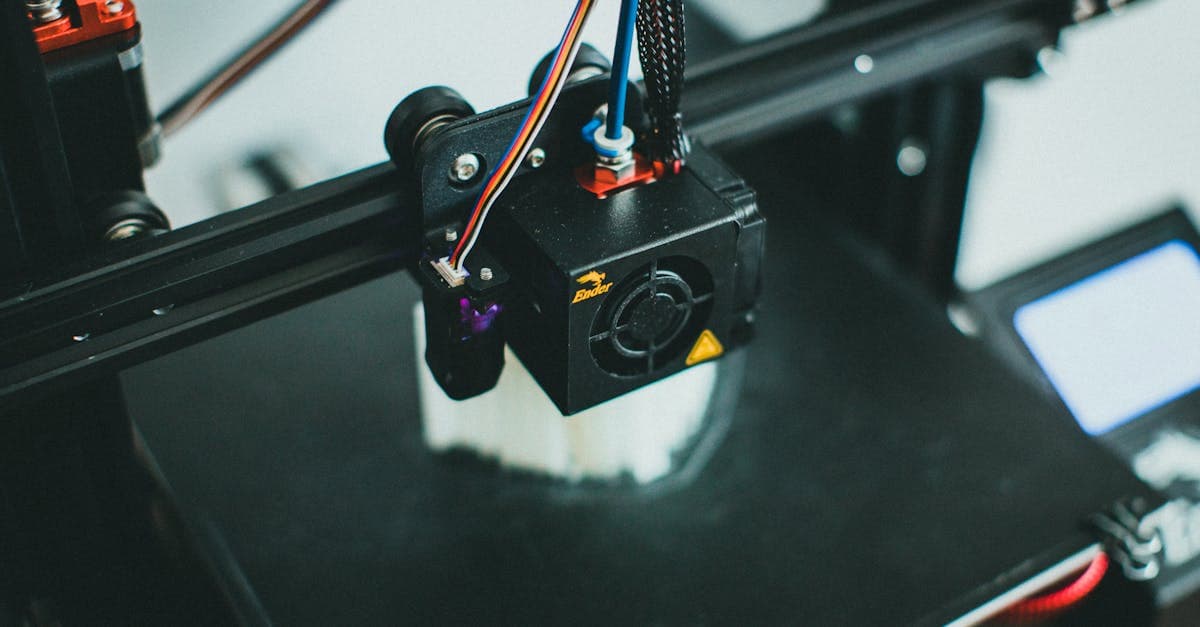
AI in Manufacturing: Practical Applications Beyond the Hype
Explore real-world AI applications in manufacturing: scheduling optimization, quality prediction, predictive maintenance, and demand forecasting for any size shop.
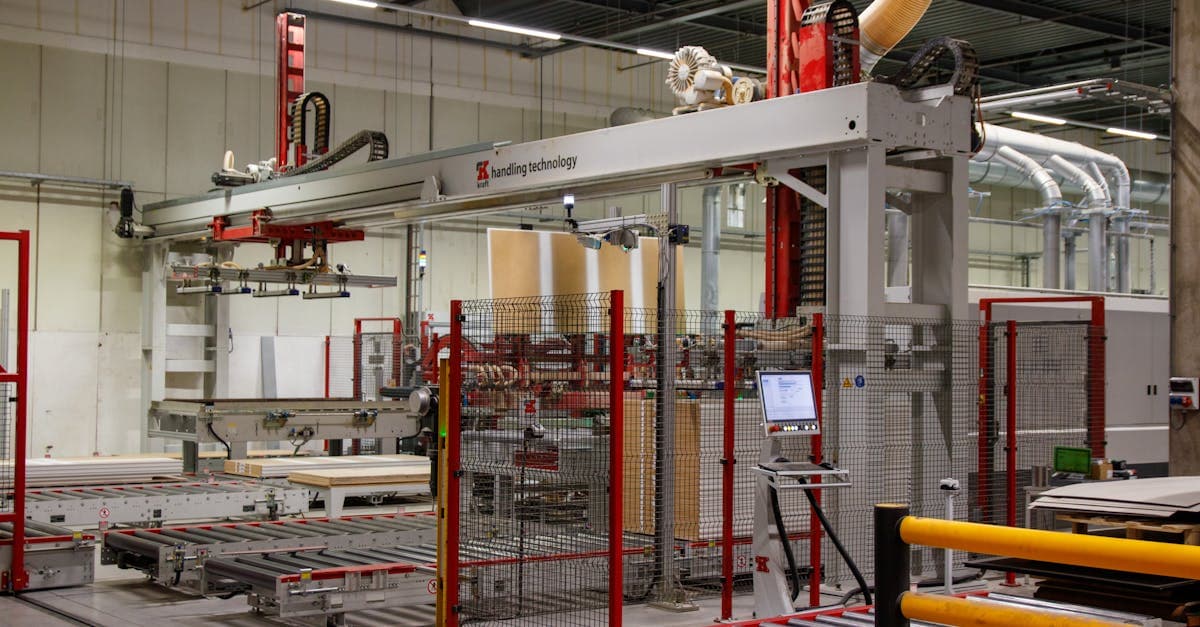
Cloud Manufacturing Software: Benefits, Risks, and When to Stay On-Premise
Evaluate cloud vs on-premise manufacturing software. Security, reliability, cost, and practical guidance for scheduling, ERP, and MES deployment decisions.
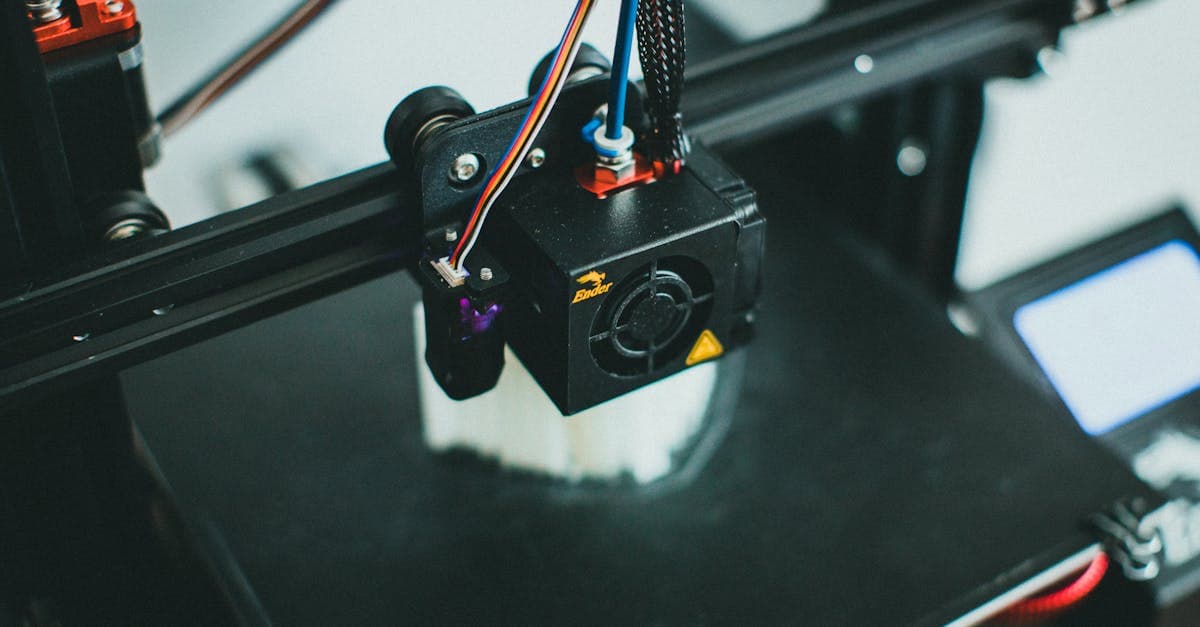
Cybersecurity for Manufacturers: Protecting Your Shop Floor and Data
Essential cybersecurity guidance for manufacturers. OT/IT security, common threats, CMMC compliance, practical steps, and how to protect scheduling and production data.