


CNC machines are the highest-value assets on most shop floors. A single 5-axis machining center represents a capital investment of $300,000 to over $1,000,000, yet many shops operate these machines at 50 to 60 percent utilization - not because demand is lacking, but because poor scheduling leaves machines idle between jobs, setup times are unmanaged, and tooling conflicts create unplanned delays.
This CNC machine scheduling optimization guide covers the strategies that maximize spindle utilization, reduce setup losses, and ensure your most expensive equipment is producing revenue every available hour. At User Solutions, we have implemented production scheduling software in CNC shops for 35+ years, and the principles in this guide come from real-world results across hundreds of implementations.
Why CNC Scheduling Requires a Different Approach
CNC machines differ from general manufacturing equipment in ways that directly affect scheduling:
High capital cost demands high utilization: When a machine costs $500,000 and depreciates whether it runs or not, every hour of idle time is money lost. Scheduling must minimize gaps between productive operations.
Setup complexity varies dramatically: Setup on a CNC machine ranges from a 5-minute tool offset change to a 4-hour fixture and program changeover. The scheduling system must model these variable setup times to create realistic plans.
Machine capabilities are not interchangeable: A 3-axis vertical mill cannot run a job that requires 5-axis simultaneous machining. A turning center cannot mill. The scheduling system must enforce machine capability constraints.
Tool management is a scheduling variable: CNC machines share cutting tools, holders, and specialized tooling assemblies. When two machines need the same specialty tool simultaneously, one job waits.
Programming is a prerequisite: A CNC job cannot run without a proven program. If programming is not scheduled as a prerequisite operation, machines sit idle waiting for programs.
These factors make finite capacity scheduling essential for any CNC shop serious about utilization optimization.
Spindle Utilization: The Primary Metric
Spindle utilization - the percentage of available time that the spindle is actually cutting material - is the most important scheduling metric for CNC shops. It directly correlates to revenue production.
Understanding Utilization Losses
Typical CNC utilization losses break down as follows:
| Loss Category | Typical Impact | Scheduling Controllable? |
|---|---|---|
| Setup and changeover | 15-30% | Yes - sequence optimization |
| Waiting for work/material | 5-15% | Yes - flow scheduling |
| Waiting for program | 3-8% | Yes - program scheduling |
| Waiting for tooling | 2-5% | Yes - tool management |
| Maintenance (planned) | 5-8% | Partially - maintenance scheduling |
| Maintenance (unplanned) | 3-10% | Indirectly - PM scheduling |
| Quality issues/rework | 2-5% | Partially - first article timing |
The scheduling-controllable losses total 25 to 58 percent of available time. Even addressing half of these through better scheduling recovers 12 to 29 percent of machine capacity - the equivalent of adding machines without the capital investment.
Measuring Utilization Accurately
Many shops overstate utilization by measuring machine uptime (power on) rather than actual spindle cutting time. A machine that is powered on for 16 hours but spends 5 hours in setup, 2 hours waiting for work, and 1 hour in idle cycle has 50 percent true utilization, not 100 percent.
Accurate utilization measurement requires tracking:
- Spindle on-time (actual cutting)
- Attended idle time (machine on, operator present, no cutting)
- Setup time (changeover between jobs)
- Unattended idle time (no operator, no cutting - gaps between shifts or scheduling holes)
EDGEBIC, the successor to EDGEBI, provides visual scheduling that makes utilization gaps visible at a glance through Gantt charts, allowing schedulers to identify and fill idle windows.
Setup Optimization Strategies
Setup time is the largest scheduling-controllable loss in most CNC shops. Reducing both the frequency and duration of setups directly increases productive capacity.
Sequence-Dependent Setup Scheduling
The time to set up a CNC machine depends heavily on the sequence of jobs. Setting up for a job that uses the same fixture, similar tooling, and the same material as the previous job takes a fraction of the time compared to a complete changeover.
The scheduling system should model sequence-dependent setup times and automatically sequence jobs to minimize total setup:
- Same fixture family: Group jobs that use the same workholding fixture
- Same material: Sequence jobs by material type to reduce material handling changes
- Similar tool sets: Batch jobs that share cutting tools to minimize tool changes
- Same program family: Parts with similar geometry may share base programs with minor modifications
RMDB supports setup matrix modeling that calculates the actual setup time based on the transition from one job to the next, producing schedules that reflect real-world changeover durations.
External Setup (Offline Preparation)
External setup - preparing tooling, fixtures, and programs while the machine is still running the current job - converts setup time from machine idle time to operator preparation time. The scheduling system should:
- Schedule setup preparation as a separate operation that can overlap with the current machine run
- Assign a setup technician to the preparation task
- Ensure all tooling and fixtures are staged at the machine before the current job completes
This approach can reduce effective setup time by 40 to 60 percent without changing the physical setup process.
Tool Management and Scheduling
CNC tool management creates scheduling constraints that are invisible without a system to track them:
Tool Life Scheduling
Cutting tools wear out and must be replaced at defined intervals. If a scheduled job requires 45 minutes of cutting with a tool that has only 20 minutes of remaining life, the tool must be changed mid-job - adding unplanned idle time and potentially affecting part quality.
The scheduling system should track tool life and flag when a scheduled job requires more tool life than currently available. This allows the scheduler to either replace the tool during the previous setup or adjust the schedule to run a shorter job first that consumes the remaining tool life without waste.
Shared Tool Assemblies
Specialty tool assemblies - large boring bars, form tools, custom holders - are expensive and limited in quantity. When two machines need the same tool assembly simultaneously, one job must wait.
Modeling tool assemblies as shared constrained resources in the scheduling system prevents these conflicts. The scheduler sees that Tool Assembly X is scheduled on Machine 3 from 8:00 to 12:00, so Machine 5 cannot be scheduled for a job requiring the same tool until after noon.
Tool Presetting
Tool presetting - measuring and recording tool offset data before installation - saves time at the machine. The scheduling system should include presetting as a prerequisite operation, ensuring that preset tools are ready before the scheduled start time.
Multi-Axis Machine Scheduling
Shops with a mix of 3-axis, 4-axis, and 5-axis machines face a capability-routing challenge. Jobs should be assigned to the lowest-capability machine that can produce the part to specification:
- Reserve 5-axis capacity for jobs that genuinely require simultaneous 5-axis machining
- Route 3+2 positional work to 4-axis or 3-axis machines with indexing when possible
- Use 3-axis machines for simple prismatic work, keeping higher-capability machines available
The scheduling system should enforce these capability-based routing rules while allowing manual override when capacity imbalances make it beneficial to run simpler work on a more capable machine.
Lights-Out and Unattended Operation
Lights-out CNC operation - running machines during unattended hours - effectively adds a free shift of capacity. But scheduling lights-out production requires careful planning:
Program stability: Only run proven programs that have demonstrated consistent quality over multiple runs. New or unproven programs should not run unattended.
Tool life sufficiency: Ensure that tool life supports the entire unattended run. A tool failure during lights-out operation wastes the remaining machine time and may damage the workpiece.
Material handling: Parts must be loaded and unloaded automatically (bar feeder, pallet changer, robot) or manually pre-staged with enough raw material for the unattended run.
Monitoring: While unattended, machines should be monitored remotely for alarm conditions. The schedule should flag lights-out runs separately so operators know which machines should be running during off-hours.
The scheduling system should identify lights-out eligible jobs based on defined criteria and schedule them during unattended windows, maximizing the utilization benefit.
Programming as a Scheduling Constraint
CNC programming - creating, verifying, and posting the G-code that drives the machine - is a prerequisite for production. Yet many shops do not schedule programming as a formal operation.
The consequences are predictable:
- Jobs are scheduled on machines before programs are ready
- Machines sit idle waiting for programs
- Programmers are interrupted with rush requests that disrupt their workflow
- Programming becomes a bottleneck that limits throughput
Include programming in the scheduling model:
- New programs: Estimate programming time based on part complexity and schedule it as a pre-operation
- Program modifications: Schedule revision time when engineering changes require program updates
- First article verification: Schedule machine time for first article runs with programmer support
- Program library management: Maintain a library of proven programs to reduce programming lead time for repeat orders
CNC Scheduling KPIs
Track these metrics to measure and improve CNC scheduling effectiveness:
- Spindle utilization - actual cutting time as a percentage of available machine time
- Setup ratio - setup time divided by total occupied time (setup plus cutting)
- Scheduling efficiency - planned cycle time versus actual cycle time per job
- Tool-related idle time - machine hours lost waiting for tools or due to tool failures
- Program-related idle time - machine hours lost waiting for programs
- On-time completion - percentage of jobs completed by the scheduled finish time
Use manufacturing KPI tracking to monitor trends and drive continuous improvement. EDGEBIC includes reports for OEE, utilization and on-time delivery across all CNC resources.
Integrating CNC Scheduling with Shop-Wide Planning
CNC scheduling does not exist in isolation. CNC operations are typically one stage in a multi-step manufacturing process that includes receiving, incoming inspection, CNC machining, deburring, surface treatment, final inspection, and shipping.
Scheduling CNC machines without considering upstream and downstream operations leads to:
- Material starvation - the CNC is ready but the material is stuck in incoming inspection
- Downstream bottlenecks - CNC output exceeds deburring or inspection capacity, creating WIP piles
- Misaligned priorities - CNC runs the highest-priority job, but deburring prioritizes differently
A shop-wide finite capacity scheduling system like RMDB schedules every operation in the workflow, ensuring that CNC machines are fed continuously and downstream operations can handle the output. This whole-shop approach consistently outperforms isolated CNC scheduling optimization.
For shops looking to improve scheduling across all operations, our machine shop scheduling guide provides a comprehensive framework that extends beyond CNC-specific optimization.
Frequently Asked Questions
Ready to optimize your CNC scheduling? User Solutions has 35+ years of experience scheduling CNC operations across hundreds of shops. Request a demo to see how EDGEBIC, the current generation of RMDB, maximizes spindle utilization through finite capacity scheduling, setup optimization, and visual shop floor planning.
📚 Continue learning: This article is part of our Manufacturing Scheduling by Industry: How Requirements Differ pillar guide - the comprehensive resource for industry-specific manufacturing scheduling.
Expert Q&A: Deep Dive
Q: What is the most impactful scheduling change you see CNC shops make?
A: The single most impactful change is scheduling setup as a first-class operation rather than an afterthought. Most CNC shops treat setup time as a vague overhead - they know it takes time but they do not schedule it explicitly. When we implement RMDB, we model every setup as a scheduled operation with a defined duration, assigned operator, and tool list. Suddenly the shop can see that 35 percent of their available machine time is consumed by setup, and they can make informed decisions about setup reduction. We have seen shops recover 15 to 25 percent of effective capacity just by making setup time visible and scheduling to minimize it.
Q: How should CNC shops handle tool management in the production schedule?
A: Tool management is the bridge between scheduling and execution. The production schedule determines which tools are needed, when, and on which machine. We recommend tracking tool assemblies as shared constrained resources in RMDB. When two jobs on different machines both need the same specialty tool assembly, the scheduling system prevents scheduling them simultaneously. For high-value tools with long procurement lead times, the system ensures tools are available before jobs are scheduled. One customer reduced tool-related machine idle time by 40 percent after making tools visible in the schedule.
Q: What is your recommendation for shops transitioning from manual scheduling to CNC scheduling software?
A: Start with your highest-value constraint. In most CNC shops, that is the most expensive or most utilized machine - often a 5-axis machining center or a high-precision turning center. Schedule that one machine in RMDB first. Once you see the impact of finite capacity scheduling on your bottleneck, extend to feeding machines and downstream operations. This focused approach delivers fast ROI and builds organizational confidence before expanding. The 5-day implementation approach gets shops live quickly without disrupting operations.
Frequently Asked Questions
Ready to Transform Your Production Scheduling?
User Solutions has been helping manufacturers optimize their production schedules for over 35 years. One-time license, 5-day implementation.

User Solutions Team
Manufacturing Software Experts
User Solutions has been developing production planning and scheduling software for manufacturers since 1991. Our team combines 35+ years of manufacturing software expertise with deep industry knowledge to help factories optimize their operations.
Share this article
Related Articles
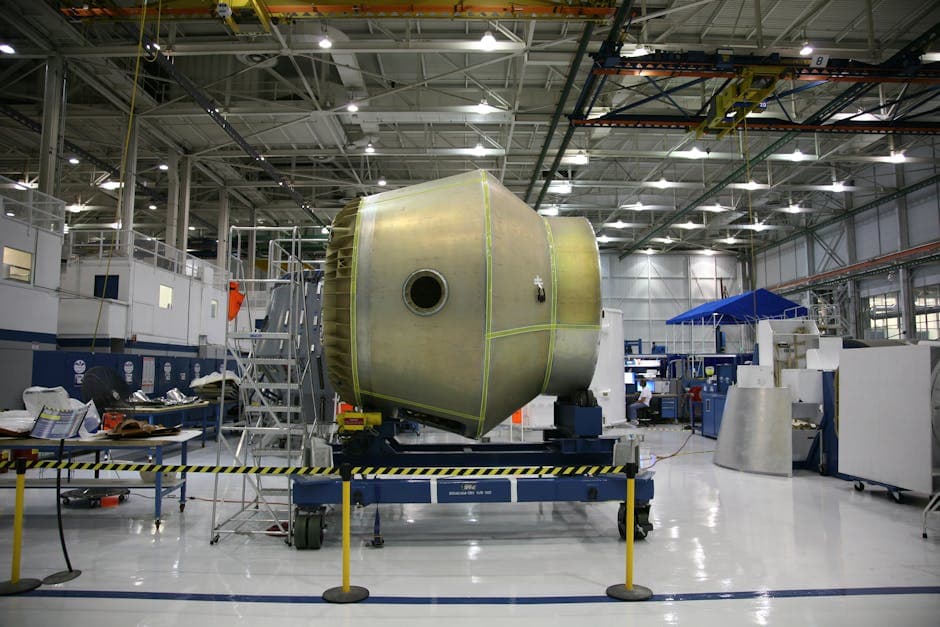
Composite Manufacturing Scheduling: Cure Time Constraints, Autoclave Capacity, and Layup Sequencing
Composite manufacturing scheduling software that handles autoclave cure cycles, prepreg shelf life, layup sequencing, and NDT inspection holds for aerospace and automotive suppliers.

Fastener and Hardware Manufacturing Scheduling: High-Throughput, Die-Constrained Production
Fastener manufacturing scheduling software that manages heading die life, heat treat batch loads, plating line capacity, and kanban replenishment for screws, bolts, and rivets.
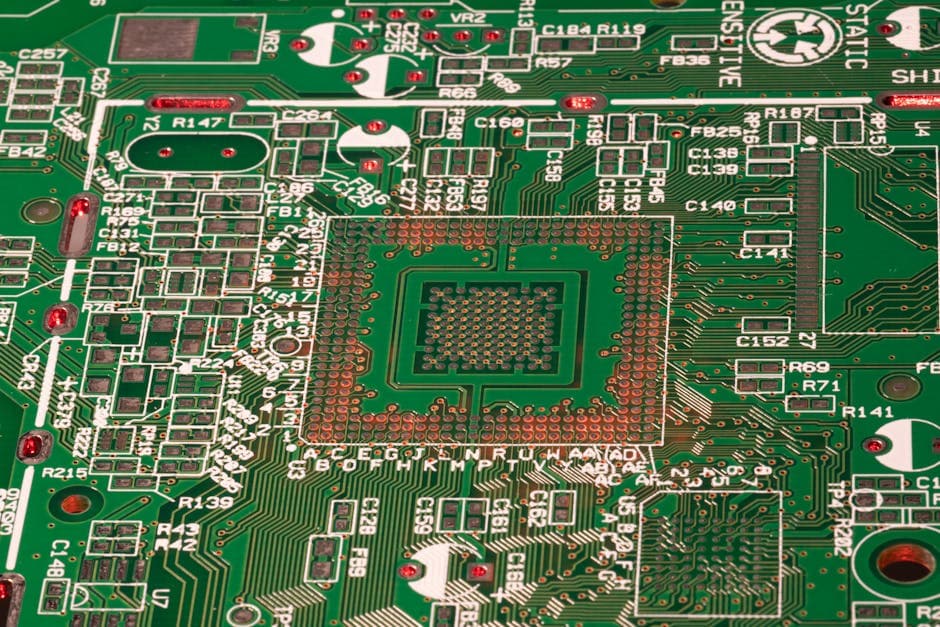
PCB Fabrication Scheduling: Managing Phototool Sequences, Plating Tanks, and Layer Constraints
PCB fabrication scheduling software that handles phototool sequencing, plating bath chemistry, drill allocation, and AOI queues. Built for electronics manufacturers.