
Mass Customization in Manufacturing: 4 Types and How Scheduling Software Makes It Work
 User Solutions Team
Mass customization manufacturing sits at the intersection of two ideas that were once considered opposites: the efficiency of mass production and the flexibility of custom manufacturing. For decades, manufacturers had to choose one or the other. Today, production scheduling software has made it possible to pursue both simultaneously - and the manufacturers who figure this out are winning customers that their competitors cannot serve.
This guide breaks down what mass customization actually means in a production environment, how its four core types differ in practice, how it relates to (and differs from) configure-to-order, and what your scheduling infrastructure needs to look like if you want to make it work without destroying your margins.
What Mass Customization Actually Means in a Shop Context
Mass customization is the practice of delivering individually tailored products or services at costs approaching those of mass-produced goods. The term was coined by Stan Davis in 1987 and popularized by B. Joseph Pine II in the early 1990s, but it has taken on entirely new meaning as manufacturing technology and software have matured.
In a practical shop context, mass customization means you are running many customer-specific jobs simultaneously through shared production resources - machines, operators, tooling, raw material - without treating each job as a standalone one-off project. The goal is standardized processes that produce non-standardized outputs.
A cabinet shop that cuts panels to custom dimensions using the same CNC router, the same toolpaths, and the same finish line is practicing mass customization. A metal fabricator that laser-cuts custom brackets from a library of parametric templates is practicing mass customization. The product is unique; the process is repeatable and schedulable.
The 4 Types of Mass Customization
James Gilmore and B. Joseph Pine II identified four distinct types in their foundational 1997 Harvard Business Review article. Understanding which type your operation falls into - or aspires to - directly shapes how you should configure your production scheduling.
1. Collaborative Customization
Collaborative customization begins with a conversation. The manufacturer works directly with each customer to understand their specific needs, then designs or configures a product that precisely matches those requirements. Custom machinery builders, specialty chemical formulators, and bespoke electronics manufacturers often operate this way.
The scheduling challenge here is lead time management. Because the product specifications emerge from a dialogue, the manufacturing routing may not be fully defined when the order is booked. Your scheduling system needs to handle jobs that start with partial routing information and fill in details as engineering releases them - a capability that rigid ERP scheduling modules typically cannot provide.
2. Adaptive Customization
Adaptive customization delivers a standardized product that customers can modify themselves after receiving it. Modular industrial equipment, configurable control panels, and adjustable material handling systems fall into this category.
From a manufacturing standpoint, adaptive customization is the most scheduling-friendly type. You are producing a defined product with known routings and bill of materials. The customization burden is on the customer, not the shop. That said, the product still needs to be designed with customization range in mind, which can complicate BOM management and create more component variants than a purely standard product.
3. Cosmetic Customization
Cosmetic customization involves producing an identical underlying product but presenting or packaging it differently for different customers. Private-label manufacturing, branded industrial consumables, and customer-specific labeling programs all qualify.
Scheduling cosmetic customization is primarily a sequencing and changeover problem. You want to batch cosmetically similar runs together to minimize changeover time. If you are running three customers' versions of the same product, the optimal schedule groups those runs sequentially rather than interleaving them with unrelated jobs. Finite capacity scheduling software that supports sequence-dependent setup time matrices handles this correctly; a basic first-in-first-out queue does not.
4. Transparent Customization
Transparent customization is the most sophisticated type. The manufacturer provides unique products tailored to each customer's situation, but customers are unaware that customization is occurring - they simply receive something that works perfectly for them. This is common in precision machining where tolerances are adjusted per customer's assembly process, or in food manufacturing where formulations vary by customer but the packaging looks identical.
Transparent customization demands the most from your data infrastructure. You must maintain per-customer specification records, ensure the right routing variant is pulled for each order, and prevent cross-contamination of specifications across jobs. Production scheduling software with robust job-level parameter management is essential.
Mass Customization vs. Configure-to-Order: A Critical Distinction
Configure-to-order (CTO) is often used interchangeably with mass customization, but they are not the same thing. The distinction matters because it affects how you design your scheduling logic.
In a configure-to-order environment, a finite set of predefined options governs every possible product configuration. The customer selects from menus, and your ERP or CPQ system generates a valid BOM and routing from those selections. The key characteristic: no configuration outside the defined option set is possible without engineering involvement.
True mass customization handles the cases that configure-to-order cannot. When a customer wants a combination of options that your CTO rules do not permit, or when the product requires dimensions, materials, or specifications that fall outside predefined bands, you are in mass customization territory. Engineering must touch the order, the routing may be novel, and your scheduling system needs to accommodate that novelty without breaking down.
The practical implication: CTO shops can rely more heavily on automated schedule generation because the routing space is bounded and predictable. Full mass customization shops need scheduling tools that allow manual intervention, flexible routing definitions, and the ability to schedule partially defined jobs.
Why Standard ERP Scheduling Breaks Down Under Mass Customization
Most ERP systems were designed for either pure make-to-stock (repetitive production of standard items) or basic make-to-order (custom jobs managed manually). Mass customization falls between these modes and exposes the weaknesses of both approaches.
Make-to-stock scheduling in an ERP optimizes for throughput on known routings. When every job has a different routing, the optimizer's assumptions break down and the schedule becomes unreliable.
Basic make-to-order in an ERP typically means tracking jobs against due dates without any real finite capacity logic. The shop ends up overloaded because the ERP cannot see that every job is competing for the same bottleneck resources at the same time.
The result is the classic custom shop symptom: jobs are always late, operators are always firefighting, and the scheduler spends their day on the phone explaining delays instead of preventing them.
What Production Scheduling Software Must Do for Mass Customization
To support mass customization effectively, your scheduling system needs to do four things that spreadsheets and basic ERP modules cannot.
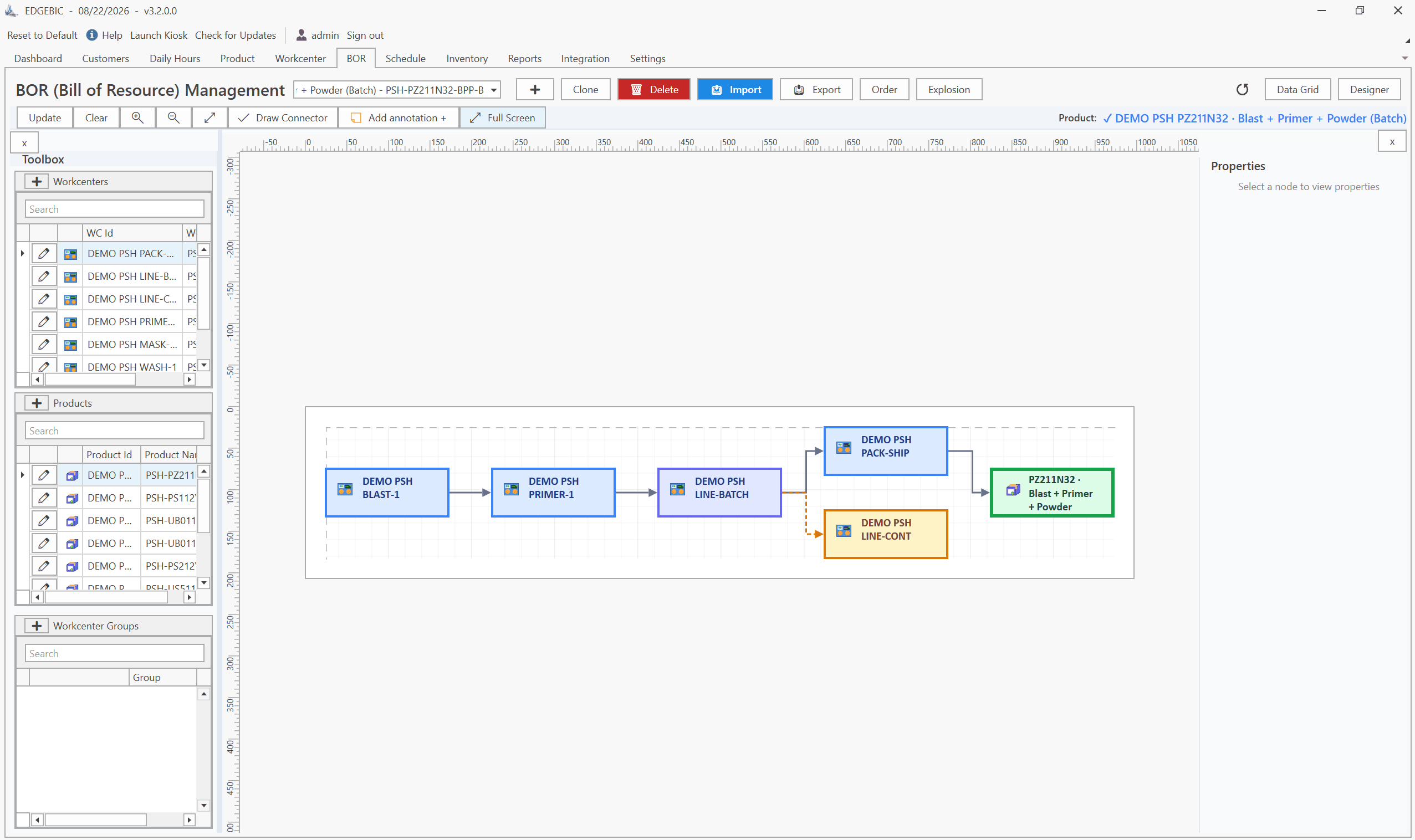
Handle variable routings per job. Every order may have a different sequence of operations. The scheduler must be able to define routing templates that are modified per job without requiring a new item master record for each variation.
Enforce finite capacity constraints. When 20 custom jobs all need the CNC mill on Thursday, the scheduler must sequence them realistically - accounting for setup times, run rates, and shift availability - rather than promising all 20 for Thursday and discovering the overload when it is too late to act.
Support dynamic reprioritization. Customer priorities shift. Hot jobs appear. Engineering changes arrive mid-run. The scheduler must allow drag-and-drop reprioritization with immediate downstream impact visibility, so the planner can respond to changes without rebuilding the schedule from scratch.
Provide job-level status visibility. In a mass customization environment, each job is unique. Customers call asking about their specific order. Operators need to know what comes next on each machine. The scheduler must provide real-time job status at the operation level, not just at the order level.
How RMDB Supports Mass Customization Environments
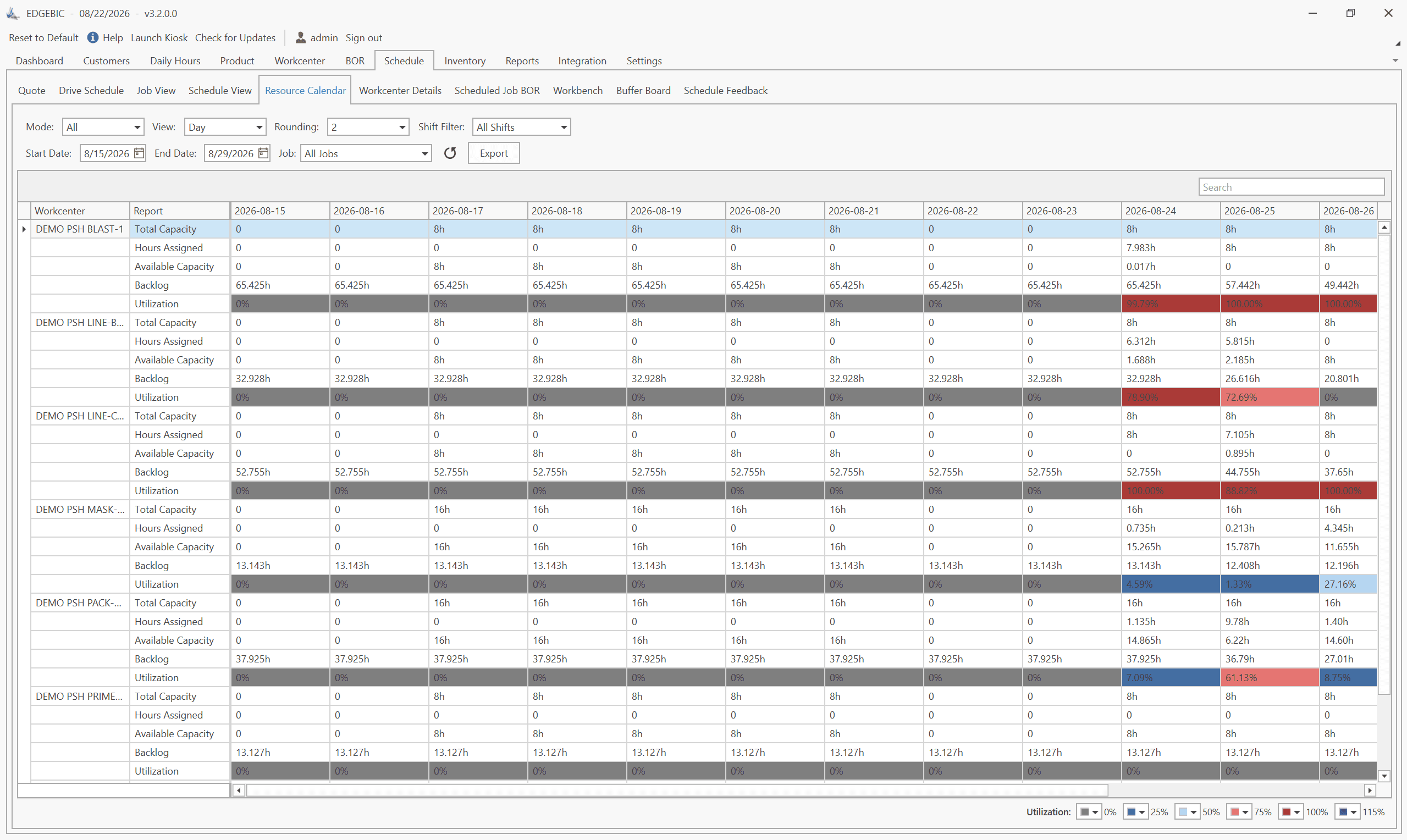
RMDB was built for job shops and custom manufacturers - environments where no two jobs are identical and scheduling complexity is high by definition. Its finite capacity engine handles variable routings, sequence-dependent setup times, and multi-resource constraints simultaneously.
For mass customization shops, RMDB's work order management allows planners to define a baseline routing template and then modify individual operations for each customer order without touching the master record. Changes to a job's routing automatically propagate to the schedule, recalculating affected operations on the fly.
The drag-and-drop Gantt interface lets planners respond to hot jobs, engineering changes, and machine downtime in minutes rather than hours. When a rush order arrives, you move it to the front of the queue and immediately see which other jobs are displaced - giving you the information you need to call customers before they call you.
EdgeBI adds the analytics layer, tracking on-time delivery rates, work-in-process levels, and work center utilization across your custom order mix - data that helps you identify which types of customization are profitable and which are eroding your margins.
Measuring Mass Customization Performance
Three metrics matter most in a mass customization environment:
Schedule attainment rate - the percentage of operations completed on schedule. Anything below 85% indicates either unrealistic scheduling or execution problems. Finite capacity scheduling should drive this above 90%.
Average customer lead time - from order confirmation to shipment. Mass customization shops often accept longer lead times as a necessary cost. Scheduling software typically cuts lead time 15-25% by eliminating the idle time that accumulates when jobs queue at bottleneck resources.
Engineering change impact rate - how often mid-stream spec changes force schedule rebuilds. Tracking this metric motivates earlier design finalization and helps quantify the true cost of late changes.
Frequently Asked Questions
The four types are collaborative customization (working with customers to define exactly what they need), adaptive customization (a standard product the customer can modify themselves), cosmetic customization (the same product presented differently for different customers), and transparent customization (unique products delivered without customers knowing the process has been standardized).
Configure-to-order (CTO) is one implementation of mass customization where customers select from predefined options. True mass customization goes further - it allows combinations that may not exist as predefined configurations, sometimes requiring engineering involvement. CTO is essentially rule-governed mass customization; full mass customization handles the edge cases CTO cannot.
Yes, but it requires discipline in production scheduling. The key is treating each custom order as a structured routing through shared work centers rather than a one-off job. Scheduling software that supports finite capacity planning and flexible routing sequences lets small shops run dozens of custom orders simultaneously without the chaos that typically tanks efficiency.
Mass customization is not a strategy you can execute on a whiteboard or a spreadsheet. It requires scheduling infrastructure that can handle the volume, variability, and velocity of custom work without collapsing under its own complexity. If your shop is ready to move from reactive scheduling to proactive finite capacity planning, explore RMDB or contact us to discuss your specific customization environment. You can also read our full production scheduling software guide for a broader look at scheduling methodologies and tool selection criteria.
Expert Q&A: Deep Dive
Q: We run a 20-person job shop doing mostly custom work. Every job is different. How does scheduling software even apply to us?
A: This is exactly where scheduling software adds the most value. When every job is different, the scheduling complexity is highest - and the cost of sequencing jobs incorrectly (wasted setup time, idle machines, late deliveries) is real. RMDB lets you define work center routing templates that flex per job. You set the constraint parameters - setup times, run rates, operator requirements - and the scheduler handles sequencing across all your concurrent jobs. The result is a realistic, machine-by-machine schedule that accounts for the fact that Job A and Job B both need your CNC mill on Tuesday morning.
Q: Our customers keep changing specs after we've already started scheduling. How do we handle mid-stream changes without losing the whole week's schedule?
A: Mid-stream engineering changes are the biggest scheduling killer in custom manufacturing. The answer is a scheduling tool that lets you re-plan from a change point without restarting from scratch. In RMDB, when a job spec changes, you update the routing or work order parameters for that job and the scheduler recalculates only the affected operations downstream. Jobs that aren't impacted stay on their original sequence. You see immediately which deliveries are at risk and can prioritize accordingly - usually a 10-minute exercise instead of an all-hands scramble.
Frequently Asked Questions
Ready to Transform Your Production Scheduling?
User Solutions has been helping manufacturers optimize their production schedules for over 35 years. One-time license, 5-day implementation.

User Solutions Team
Manufacturing Software Experts
User Solutions has been developing production planning and scheduling software for manufacturers since 1991. Our team combines 35+ years of manufacturing software expertise with deep industry knowledge to help factories optimize their operations.
Share this article
Related Articles
How to Create a Production Schedule in 7 Steps (Free Template)
How to create a production schedule step by step: horizon, real capacity, work orders, load check, sequence, dates, then publish. Worked example included.
Production Planning and Control (PPC): Functions and Examples
Production planning and control explained: routing, loading, scheduling, sequencing, dispatching and expediting, the types of scheduling, and worked examples.
Sequence-Dependent Setup Times: The Scheduling Problem That Costs You Capacity
When changeover time depends on what ran before, standard scheduling fails. Learn how setup matrices, sequence optimization, and APS software recover 10-25% of hidden capacity in paint lines, food, and coating operations.