

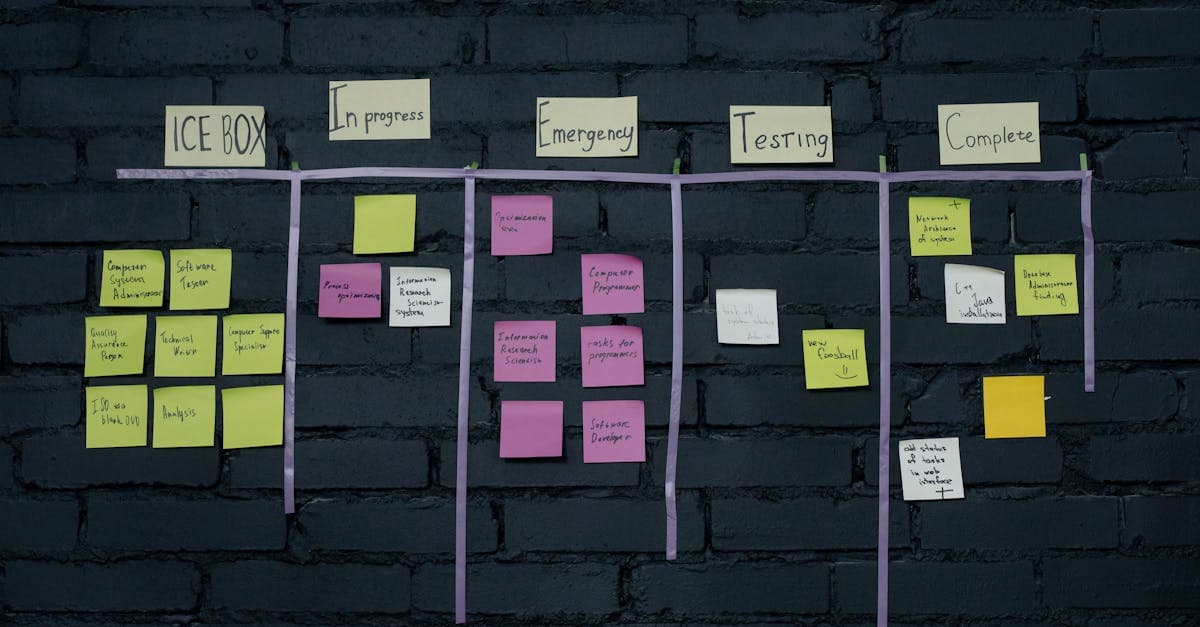
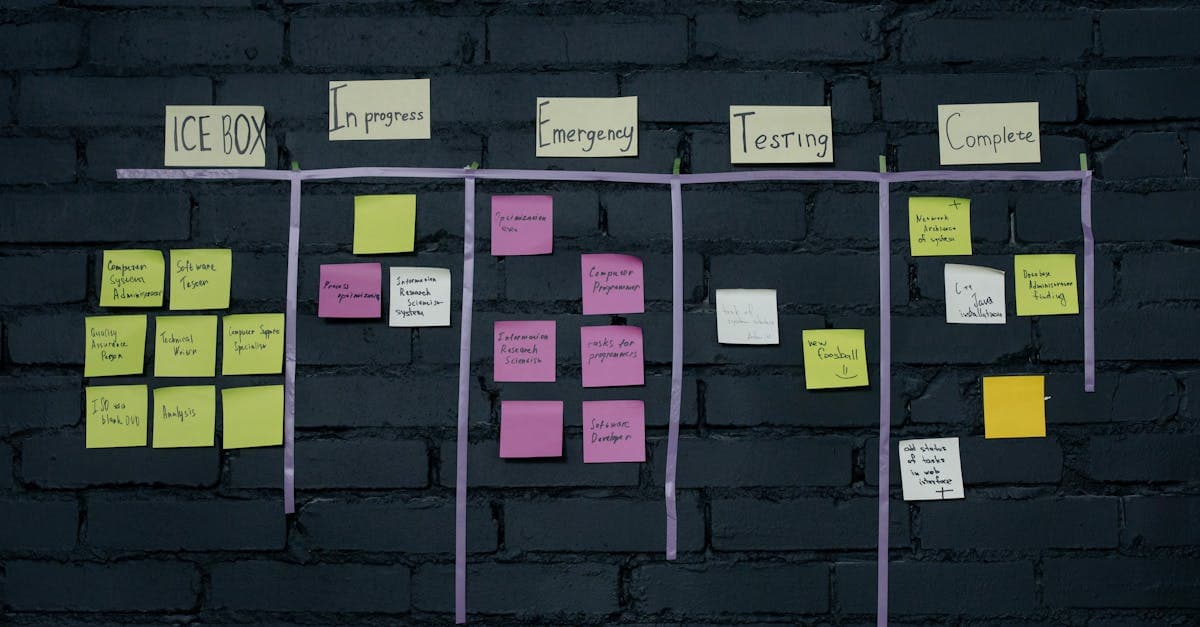
A pull system is a lean manufacturing production control method where work is authorized only when a downstream process signals actual need. Unlike push systems that produce based on forecasts, pull systems produce based on consumption — making overproduction physically impossible when properly implemented. This manufacturing glossary entry explains pull system mechanics, real-world outcomes, and the critical connection to scheduling.
What Is a Pull System?
The pull system concept is simple: do not produce anything until someone downstream asks for it. The "ask" is a signal — a Kanban card, an empty bin, an electronic message, or a customer order. Without the signal, the upstream process waits.
This is the opposite of how most factories operate. Traditional manufacturing pushes work based on schedules derived from forecasts: "We think we will need 500 units next month, so start building now." The problem is that forecasts are always wrong — sometimes demand is higher (stockouts), sometimes lower (excess inventory).
Pull systems come in three types:
Supermarket Pull
A controlled inventory buffer (supermarket) sits between operations. When the downstream process withdraws an item, a signal flows upstream to replenish it. The supermarket caps maximum inventory at a defined level.
Sequential Pull (FIFO)
When a supermarket is impractical (custom products, one-time orders), a FIFO lane between operations limits WIP to a maximum number of items. The upstream process stops producing when the FIFO lane is full.
Mixed Pull
Combines supermarket pull for high-volume repetitive items with sequential pull or scheduled production for low-volume and custom items. This is the most common approach in real factories.
How Pull Systems Work in Practice
Implementing a pull system requires:
- Define the pull signal: Kanban cards for repetitive items, customer orders for make-to-order, or FIFO lane limits for sequential flow.
- Size the buffers: Calculate supermarket levels and FIFO lane capacities based on demand, lead time, and desired service level.
- Establish rules: Nothing moves or is produced without a signal. No exceptions. Management must enforce this discipline.
- Reduce lead times: The smaller the replenishment lead time, the less inventory the pull system needs. SMED, one-piece flow, and cellular manufacturing all reduce lead times.
- Continuously improve: Systematically reduce buffer sizes over time to expose problems and drive improvement — fewer Kanban cards, shorter FIFO lanes.
Example with Numbers
A manufacturer of hydraulic cylinders converted from a push (MRP-driven) to a pull system for their top 40 part numbers:
- WIP inventory dropped from $2.3M to $920K — a 60% reduction. Parts were no longer pushed to the floor weeks ahead of need.
- Finished goods decreased from $1.1M to $580K as production was synchronized with actual shipping requirements.
- Overproduction was virtually eliminated. Under the push system, production regularly exceeded demand by 12-18%. Under pull, production tracked consumption within 3%.
- Lead time shortened from 15 days to 5 days because parts were not waiting in queues behind other batches pushed to the floor early.
- On-time delivery improved from 79% to 94%. Counter-intuitively, building less inventory improved delivery because the right items were produced at the right time.
- Floor space freed: 3,600 square feet of WIP staging eliminated, repurposed for a new assembly cell.
Why Pull Systems Matter for Production Scheduling
Pull systems and scheduling software work together:
- Controlled work release: Production scheduling software like RMDB acts as the pull mechanism for complex job shop environments. Instead of releasing all orders to the floor, the scheduler releases work at the pace the shop can absorb — the essence of pull.
- WIP limits: Pull systems cap the amount of work in the system. This prevents the shop floor congestion that makes every job late. The scheduler enforces these limits through finite capacity constraints.
- Simplified scheduling for repetitive items: Pull-controlled items (via Kanban) do not need individual scheduling — they self-regulate. This frees the scheduler to focus on complex, custom, and critical-path jobs.
- Better visibility: With less WIP cluttering the floor, supervisors can see actual work flow and identify problems faster.
- Hybrid approach: Most manufacturers use RMDB for make-to-order scheduling and Kanban pull for repetitive replenishment — combining precision with simplicity.
The lean manufacturing guide describes pull as the fourth of the five lean principles — establishing demand-driven production after defining value, mapping the stream, and creating flow.
Related Terms
- Push System — The forecast-driven production method that pull systems replace, where work is released based on schedules rather than consumption signals.
- Kanban — The visual signaling mechanism that implements pull by communicating replenishment needs between operations.
- Just-in-Time — The broader production strategy that pull systems enable, producing only what is needed when it is needed.
See all lean and scheduling terms in the Manufacturing Glossary.
Frequently Asked Questions
Ready to Transform Your Production Scheduling?
User Solutions has been helping manufacturers optimize their production schedules for over 35 years. One-time license, 5-day implementation.

User Solutions Team
Manufacturing Software Experts
User Solutions has been developing production planning and scheduling software for manufacturers since 1991. Our team combines 35+ years of manufacturing software expertise with deep industry knowledge to help factories optimize their operations.
Share this article
Related Articles
What is ABC Analysis? Definition & Manufacturing Examples
Learn what ABC analysis is in inventory management, how the Pareto principle classifies inventory, and why it matters for scheduling.
What is Acceptance Sampling? Definition & Manufacturing Examples
Learn what acceptance sampling is, how it works in manufacturing, and why it matters for production scheduling and quality control decisions.
What is Advanced Planning & Scheduling (APS)? Definition & Manufacturing Examples
Advanced Planning & Scheduling (APS) definition: software that uses algorithms to optimize production schedules against real constraints. Learn how APS works in manufacturing with examples.